Clipboard extension app for macOS.




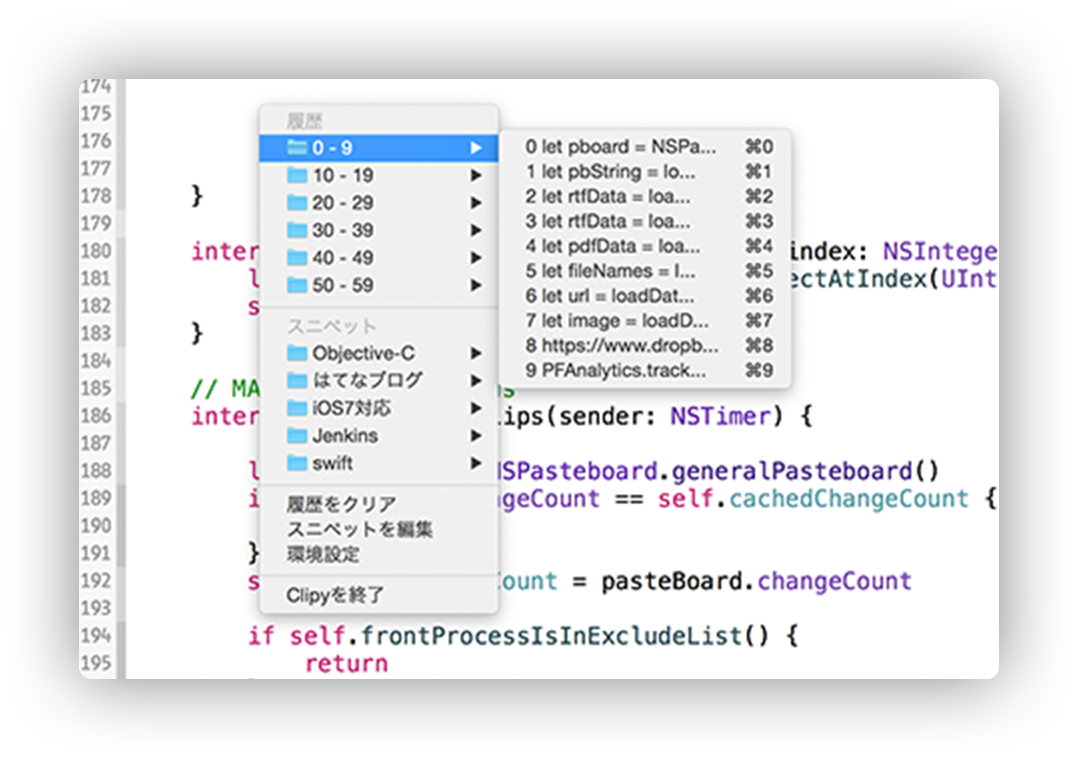
Clipy is a Clipboard extension app for macOS.
Requirement: macOS 13 Ventura or later
Distribution Site : https://clipy-app.com
Development Environment
- macOS 26 Tahoe
- Xcode 26.5
How to Build
macOS checks Accessibility permission by the app's code signature. If Clipy is built without a stable signing certificate, macOS may ask for Accessibility permission again for every build.
For this reason, the default signing settings use the Clipy signing certificate. This certificate is available only to the maintainer, so local builds require switching to ad-hoc signing before building.
Build for ad-hoc usage
- Open
Clipy.xcodeprojin Xcode. - Switch to ad-hoc build mode:
- Open
Configurations/CodeSigning.xcconfig. - Uncomment
#include "Configurations/CodeSigning-AdHoc.xcconfig".
- Open
- Build the
Clipyscheme.
If you want to use Firebase features, place your own GoogleService-Info.plist in Clipy/GoogleService. This file is not required for local builds without Firebase.
Localization Contributors
Clipy is looking for localization contributors.
If you can contribute, please see CONTRIBUTING.md
Distribution
If you distribute derived work, especially in the Mac App Store, I ask you to follow two rules:
- Don't use
ClipyandClipMenuas your product name. - Follow the MIT license terms.
Thank you for your cooperation.
Privacy Policy
Please see PRIVACY.md for information about local data storage, network communication, analytics, and crash reporting.
Backers
Support us with a monthly donation and help us continue our activities. [Become a backer]

Sponsors
Become a sponsor and get your logo on our README on Github with a link to your site. [Become a sponsor]

Licence
Clipy is available under the MIT license. See the LICENSE file for more info.
Icons are copyrighted by their respective authors.