yoshi389111/github-profile-3d-contrib
TypeScriptThis GitHub Action creates a GitHub contribution calendar on a 3D profile image.
npm install github-profile-3d-contribGitHub Profile 3D Contrib
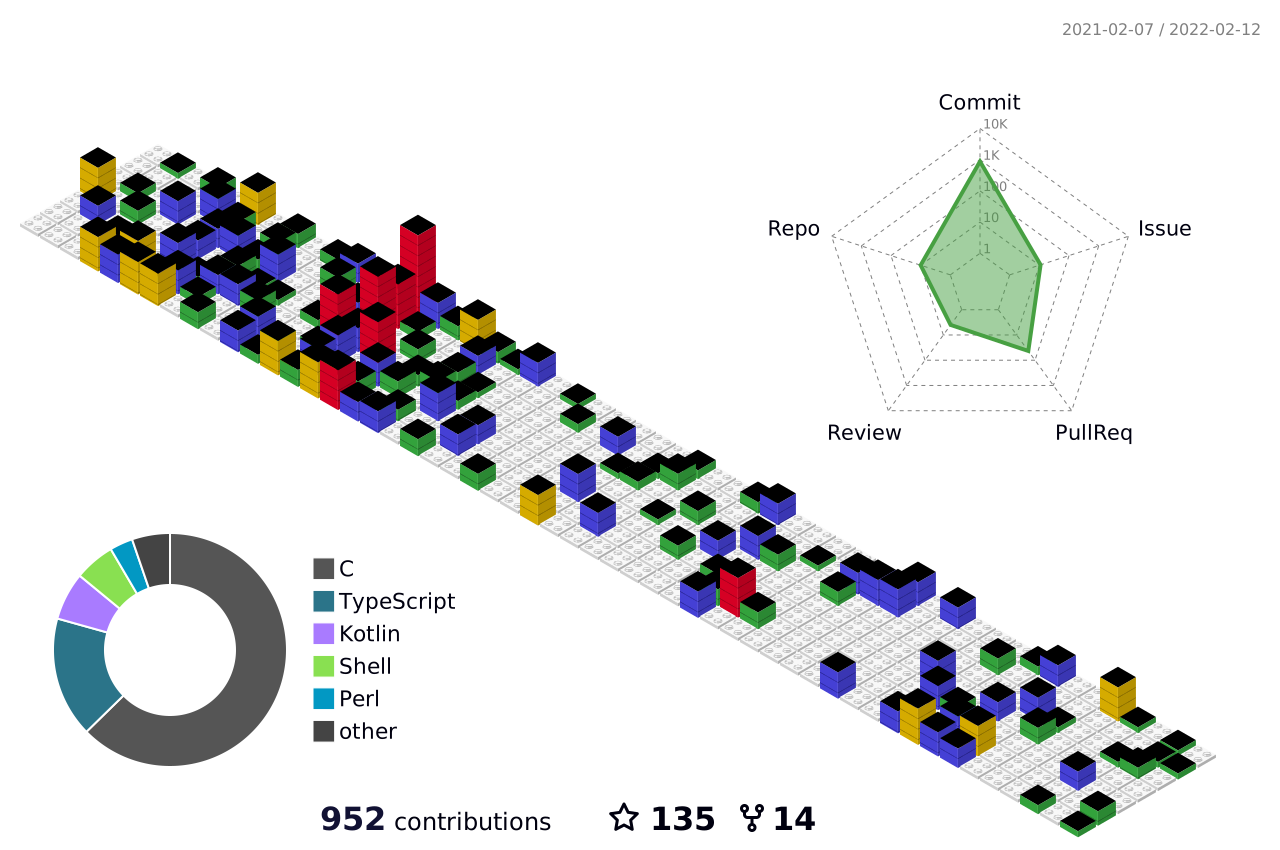
English (en) | Deutsch (de) | Español (es) | Français (fr) | 日本語 (ja) | 한국어 (ko) | Português (pt-BR) | Português (pt) | Русский (ru) | 简体中文 (zh-CN) | 繁體中文 (zh-TW) |
Overview
This GitHub Action creates a GitHub contribution calendar on a 3D profile image.
How to use (GitHub Actions) - Basic
This GitHub Action generates your github profile 3d contribution calendar and commits to your repo. After adding the GitHub Action, the workflow runs automatically once a day. You can also trigger the workflow manually.
Step 1. Create special profile repository
Create a repository on GitHub with the same name as your username.
- For example, if the username is
octocat, create a repository namedoctocat/octocat. - See also: Managing your profile README
In this repository, follow the steps below.
Step 2. Create workflow file
Create a workflow file like the one below.
.github/workflows/profile-3d.yml
name: GitHub-Profile-3D-Contrib

on:
  schedule: # 03:00 JST == 18:00 UTC
    - cron: "0 18 * * *"
  workflow_dispatch:

permissions:
  contents: write

jobs:
  build:
    runs-on: ubuntu-latest
    name: generate-github-profile-3d-contrib
    steps:
      - uses: actions/checkout@v5
      - uses: yoshi389111/github-profile-3d-contrib@latest
        env:
          GITHUB_TOKEN: ${{ secrets.GITHUB_TOKEN }}
          USERNAME: ${{ github.repository_owner }}
      - name: Commit & Push
        run: |
          git config user.name github-actions
          git config user.email github-actions@github.com
          git add -A .
          if git commit -m "generated"; then
            git push
          fi
[!NOTE] You can change your GitHub settings to include contributions from private repositories. To change this setting, click
Contribution settingsin the top right of the standard contribution calendar, or click your icon in the top right of the screen, selectSettings⇒Public profile⇒Contributions & Activity, and checkInclude private contributions on my profile.If you want to include additional activities from private repositories, register a personal access token as a secret and set it to the
GITHUB_TOKENenvironment variable in the workflow file. However, in most cases the defaultsecrets.GITHUB_TOKENis sufficient.
The schedule is set to run once a day by default. You can change the scheduled time as you like.
This will add the workflow to your repository.
Environment variables
In the sample, only GITHUB_TOKEN and USERNAME are specified as environment variables, but you can specify the following environment variables:
GITHUB_TOKEN: (required) access tokenUSERNAME: (required) target username (or specify with an argument).MAX_REPOS: (optional) max repositories, default 100 - since ver. 0.2.0SETTING_JSON: (optional) settings json file path. Seesample-settings/*.jsonandsrc/type.tsinyoshi389111/github-profile-3d-contribrepository for details. - since ver. 0.6.0GITHUB_ENDPOINT: (optional) Github GraphQL endpoint. For example, if you want to create a contribution calendar based on your company's GitHub Enterprise activity instead of GitHub.com, set this environment variable. e.g.https://github.mycompany.com/api/graphql- since ver. 0.8.0YEAR: (optional) For past calendars, specify the year. This is intended to be specified when running the tool from the command line. - since ver. 0.8.0
About GITHUB_TOKEN
The secrets.GITHUB_TOKEN set in the GITHUB_TOKEN environment variable in the sample is a special access token automatically created by GitHub.
- GitHub Docs: Use GITHUB_TOKEN for authentication in workflows
If you want to generate a contribution calendar for public repositories only, use this value. There is no need to create a secret manually.
Also, if you want to include activity in your private repositories in your contribution calendar, check "Include private contributions on my profile" in the "Profile settings" section of "Public profile" in your profile settings.
Furthermore, if you want to include additional activity information from private repositories, create an access token with the appropriate permissions.
Register that access token as a secret with any name you like (For example, MY_PERSONAL_ACCESS_TOKEN).
However, please note that user-created secrets cannot start with GITHUB_.
- GitHub Docs: Secrets
Set that secret as the value of the GITHUB_TOKEN environment variable.
          env:
-           GITHUB_TOKEN: ${{ secrets.GITHUB_TOKEN }}
+           GITHUB_TOKEN: ${{ secrets.MY_PERSONAL_ACCESS_TOKEN }}
            USERNAME: ${{ github.repository_owner }}
About the time to schedule
In the sample, it is set to start at 18:00 UTC. This is because it will run at midnight JST, which is the author's local time.
on:
  schedule: # 03:00 JST == 18:00 UTC
    - cron: "0 18 * * *"
You can change it to any time you like. We recommend midnight (around 3am) your local time. However, please note that the time must be specified in UTC.
Step 3. Manually run this GitHub Action
The first time, run this workflow manually.
Actions->GitHub-Profile-3D-Contrib->Run workflow
The profile images are generated at the following paths:
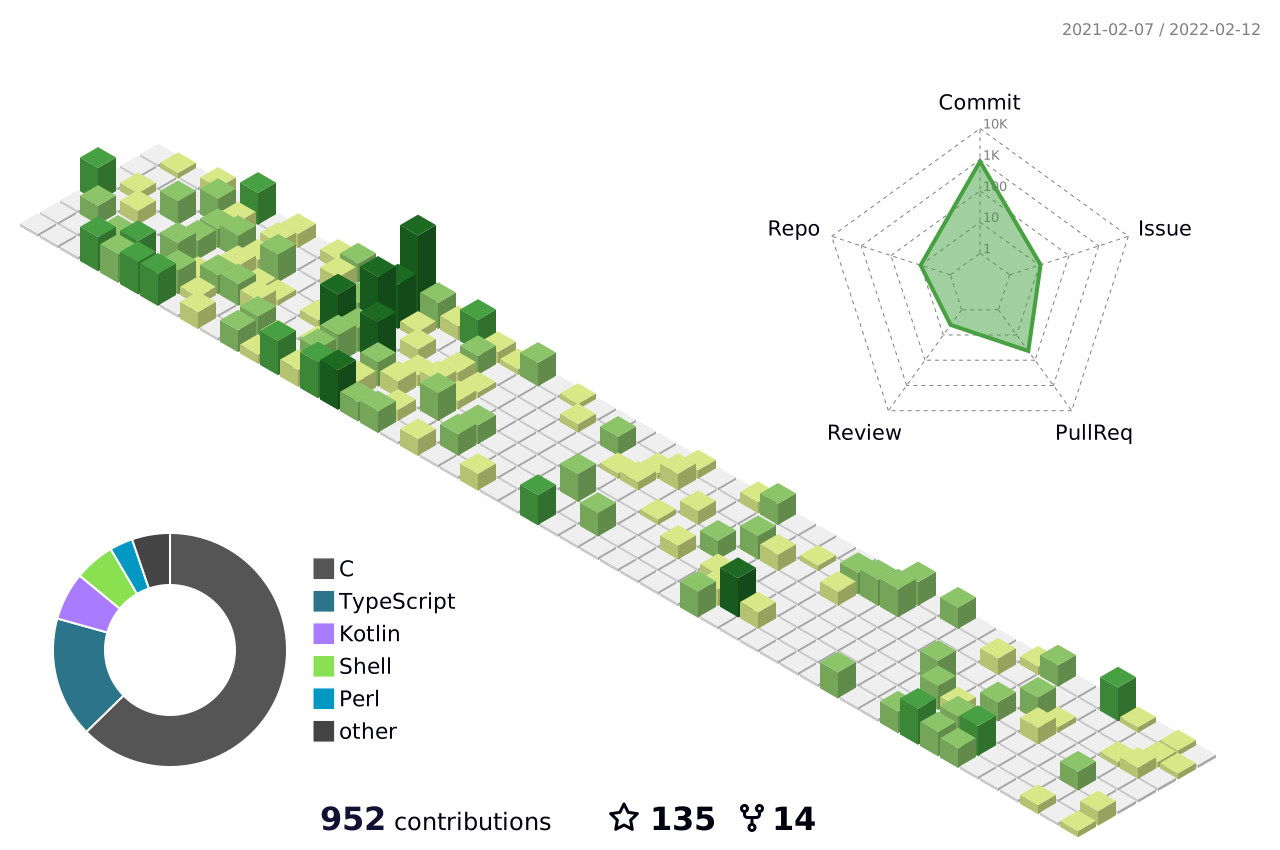
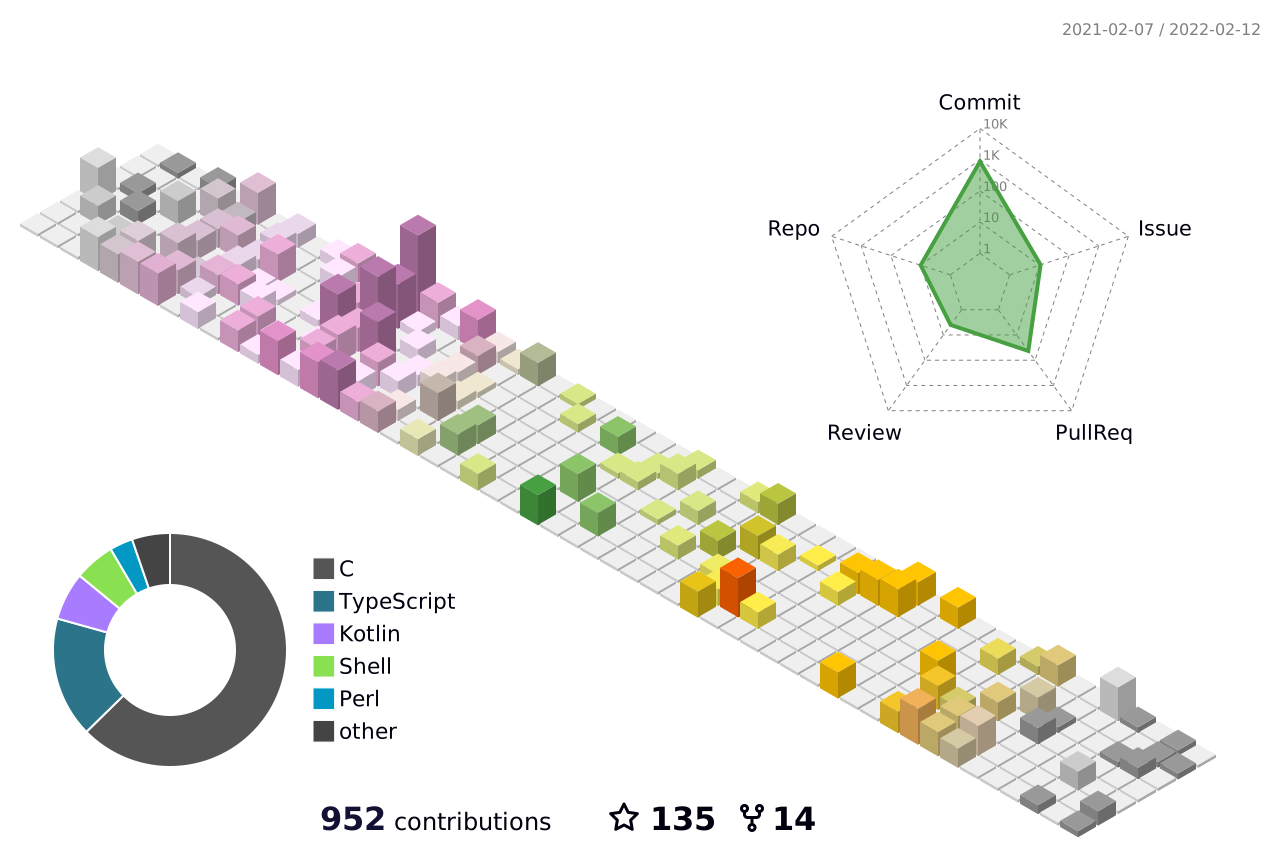
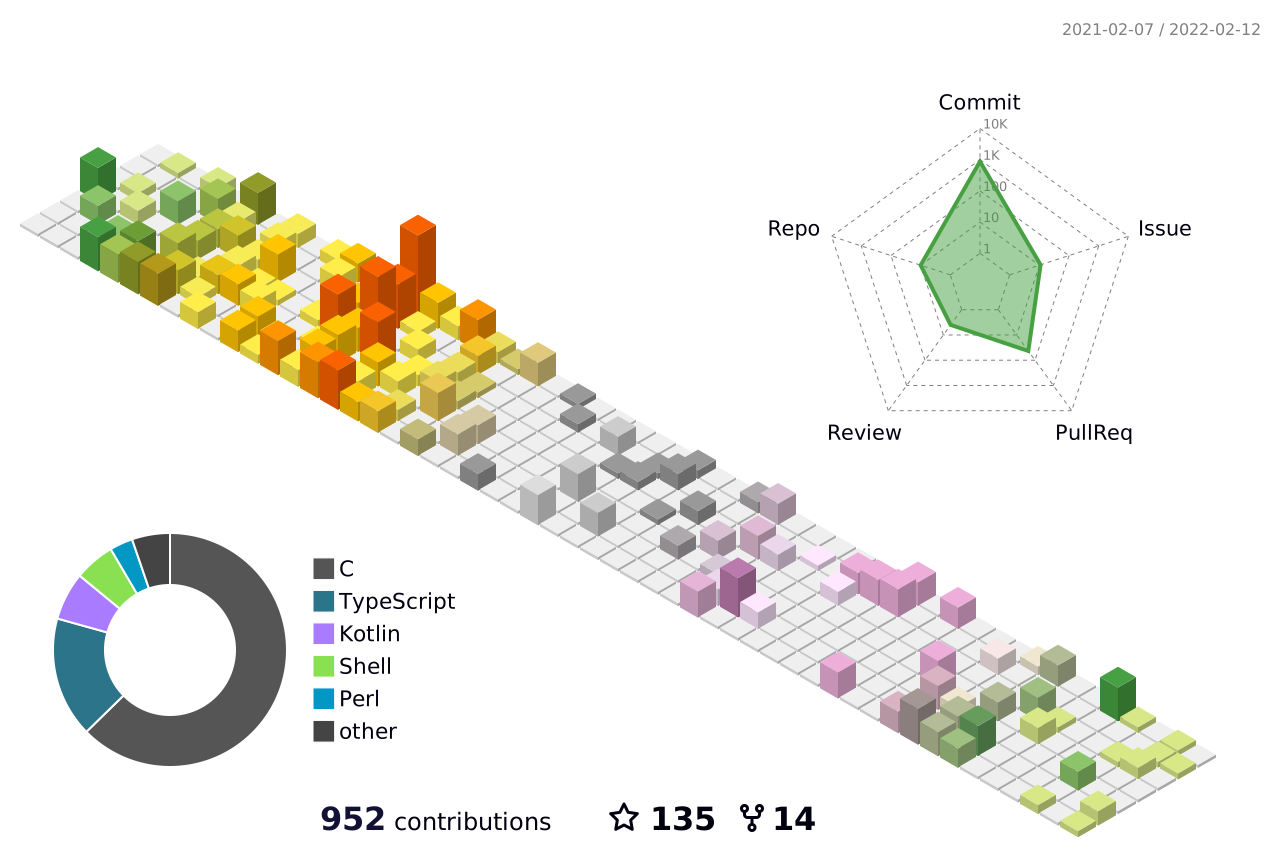
profile-3d-contrib/profile-green-animate.svgprofile-3d-contrib/profile-green.svgprofile-3d-contrib/profile-season-animate.svgprofile-3d-contrib/profile-season.svgprofile-3d-contrib/profile-south-season-animate.svgprofile-3d-contrib/profile-south-season.svgprofile-3d-contrib/profile-night-view.svgprofile-3d-contrib/profile-night-green.svgprofile-3d-contrib/profile-night-rainbow.svgprofile-3d-contrib/profile-gitblock.svg
If you specify the SETTING_JSON environment variable without a fileName property in the json file, the following image will be generated:
profile-3d-contrib/profile-customize.svg
You can use these images in your README.md as shown below.
Example: green version
Example: season version (Northern Hemisphere.)
Example: season version (Southern Hemisphere.)
Example: night view version
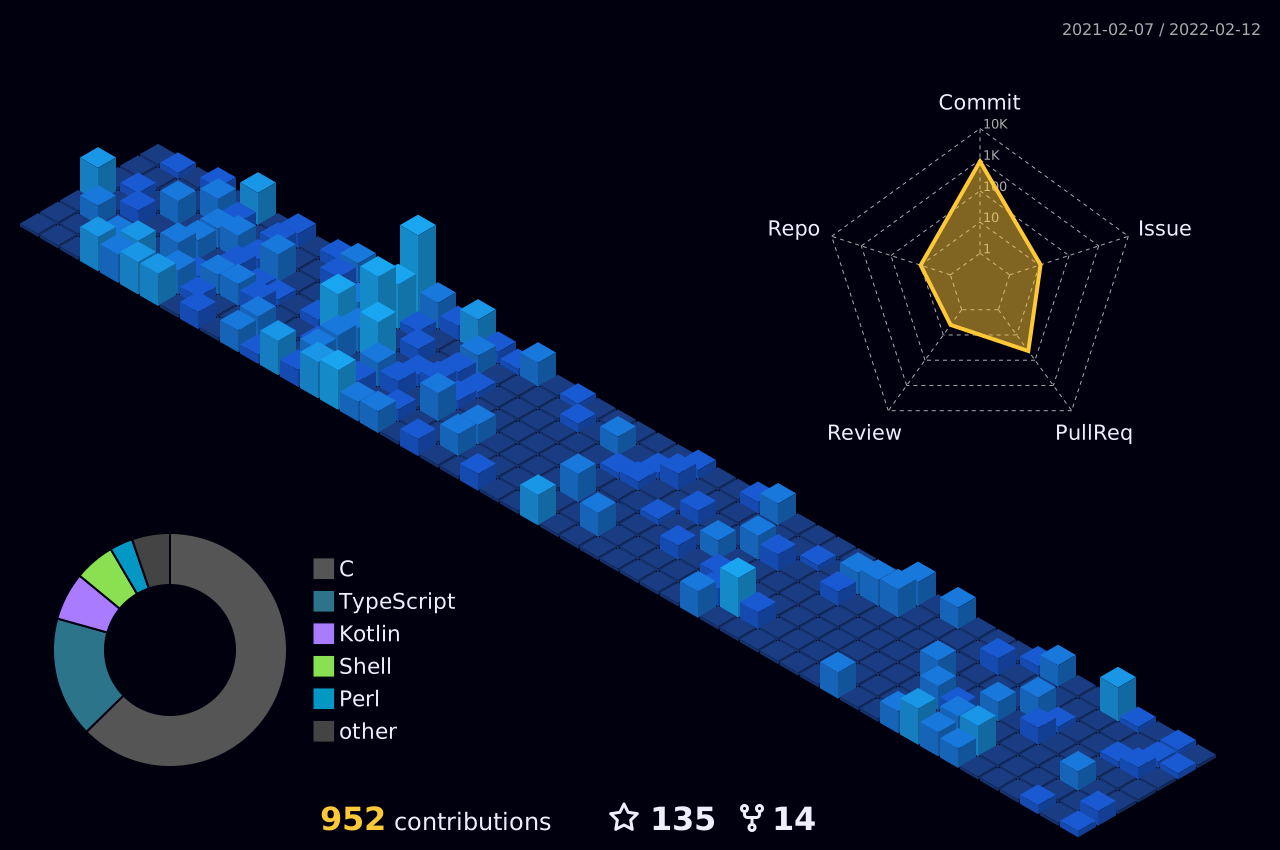
Example: night green version
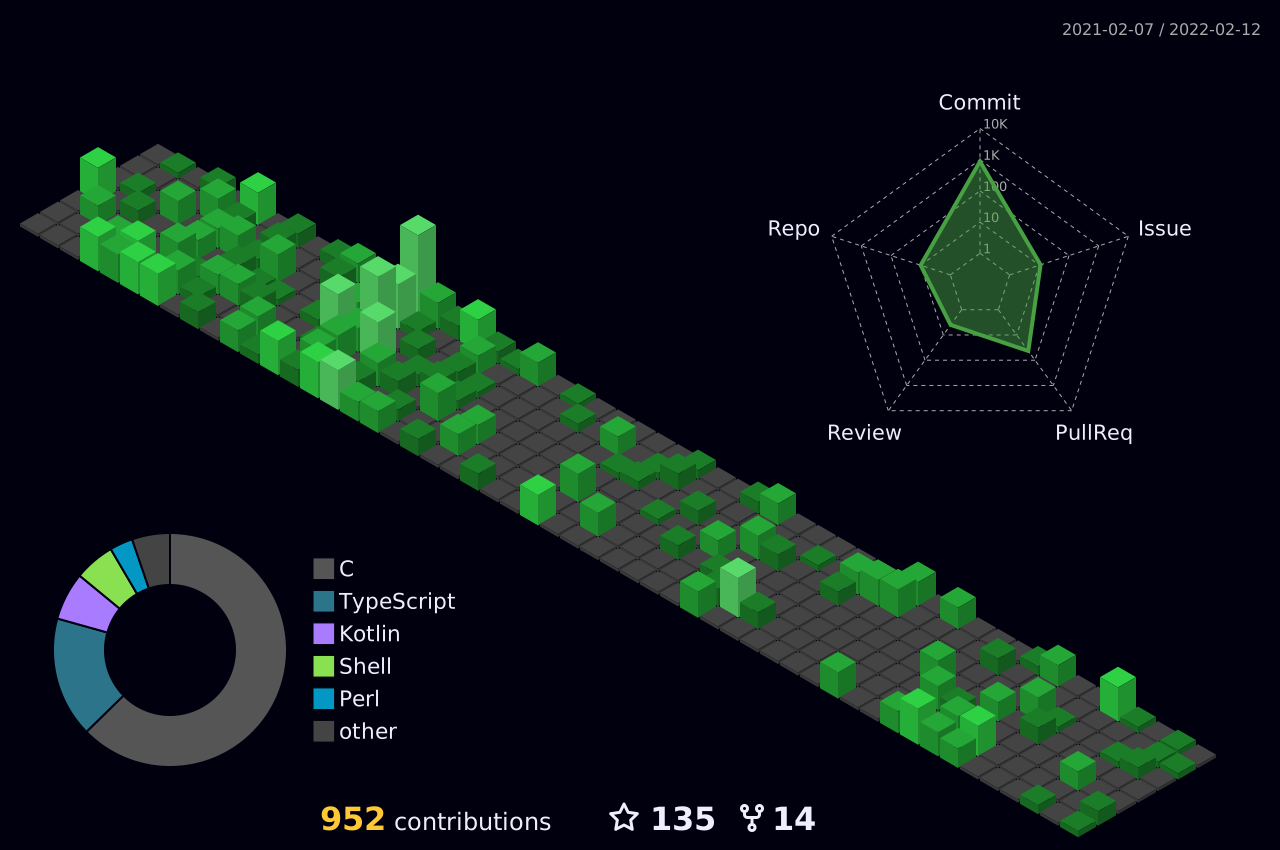
Example: night rainbow version
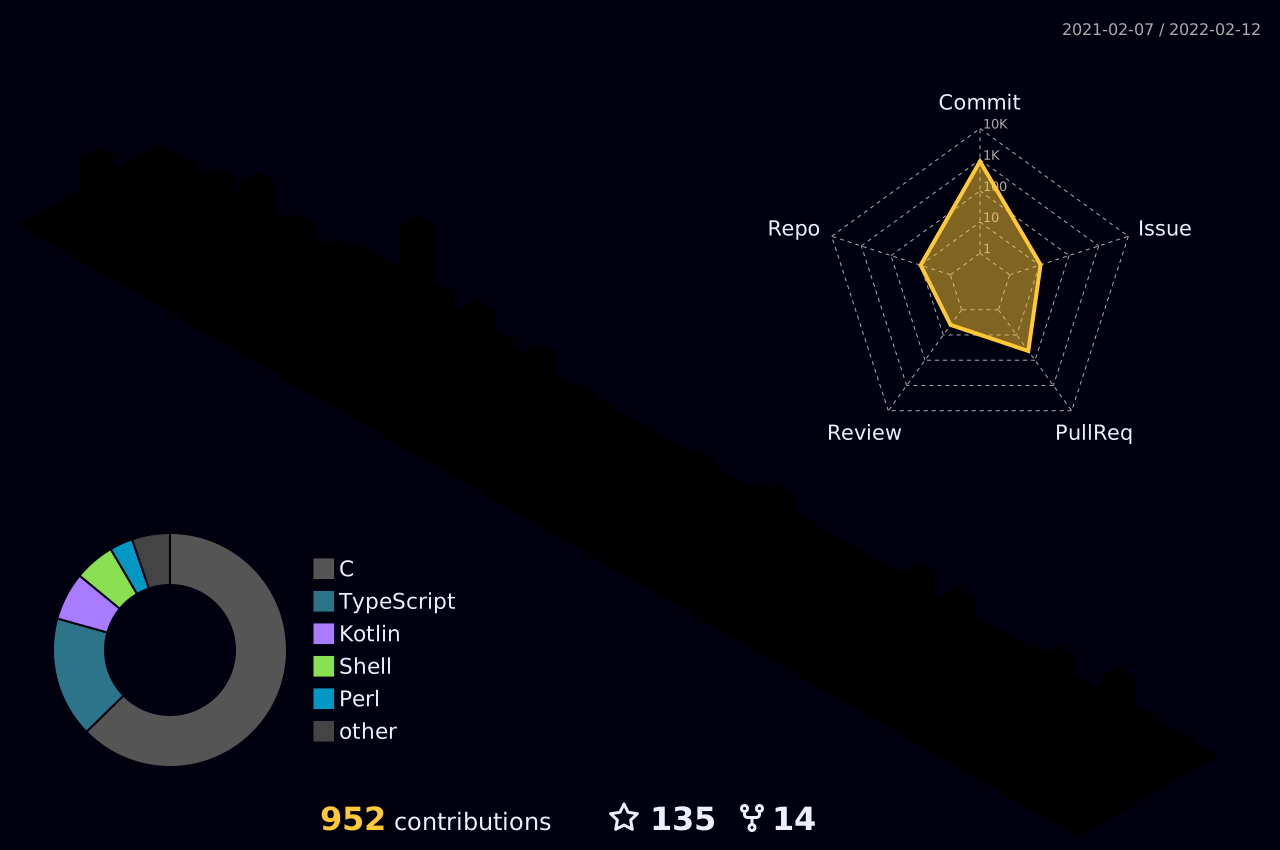
Example: git block version
Step 4. Add image to README.md
Add the path to the generated image in your README file.
Example:

How to use (GitHub Actions) - Advanced examples
How to use (local)
Set the GITHUB_TOKEN environment variable to your personal access token.
export GITHUB_TOKEN=XXXXXXXXXXXXXXXXXXXXX
Run the following command, replacing USER_NAME with your GitHub username or the target username.
node_modules/.bin/ts-node src/index.ts USER_NAME
or
npm run build
node . USER_NAME
License
© 2021 SATO Yoshiyuki. Licensed under the MIT License.