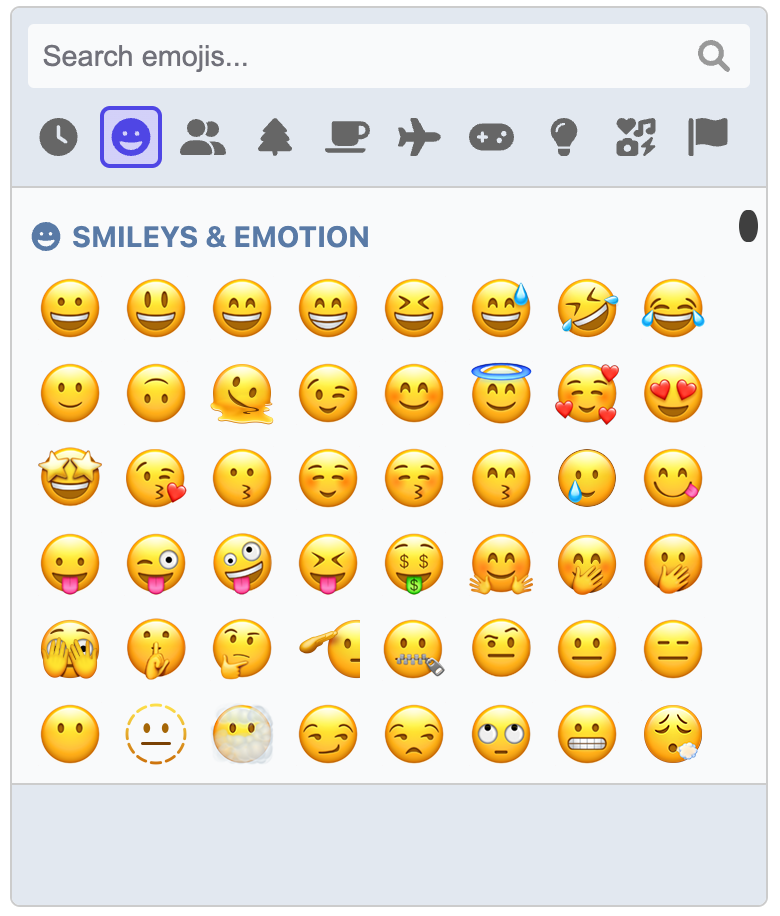
It's just JavaScript, no frameworks or libraries required. This means you can use it in any app under any framework.
Emoji data is loaded once from a CDN and cached in the browser for subsequent sessions.
Use the default operating system emoji images or use an alternative renderer to use, for example, images from Twemoji.
Emojis are searchable by name or tags
Full support for skin tone variations where applicable
Remembers recently used emojis
Fully keyboard accessible
Includes light and dark themes, with the ability to extend them to create your own
Add custom images and GIFs!
Render inline on the page or as a popup
Demos and documentation
Demos and full documentation, including the API and usage guide, is available at https://picmojs.com.
Installation
At a minimum, you need the core picker package. This gives you a picker that you can insert inline into an element on the page.
npm install picmo
Basic usage
import { createPicker } from 'picmo';

// The picker must have a root element to insert itself into
const rootElement = document.querySelector('#pickerContainer');

// Create the picker
const picker = createPicker({ rootElement });

// The picker emits an event when an emoji is selected. Do with it as you will!
picker.addEventListener('emoji:select', event => {
  console.log('Emoji selected:', event.emoji);
});
Packages
PicMo is made up of three packages:
picmo: The core package that you use to create the picker.