High-performance engine for capturing, modifying, and converting DOM elements into any format.
npm install snapdom






English | 简体中文
SnapDOM
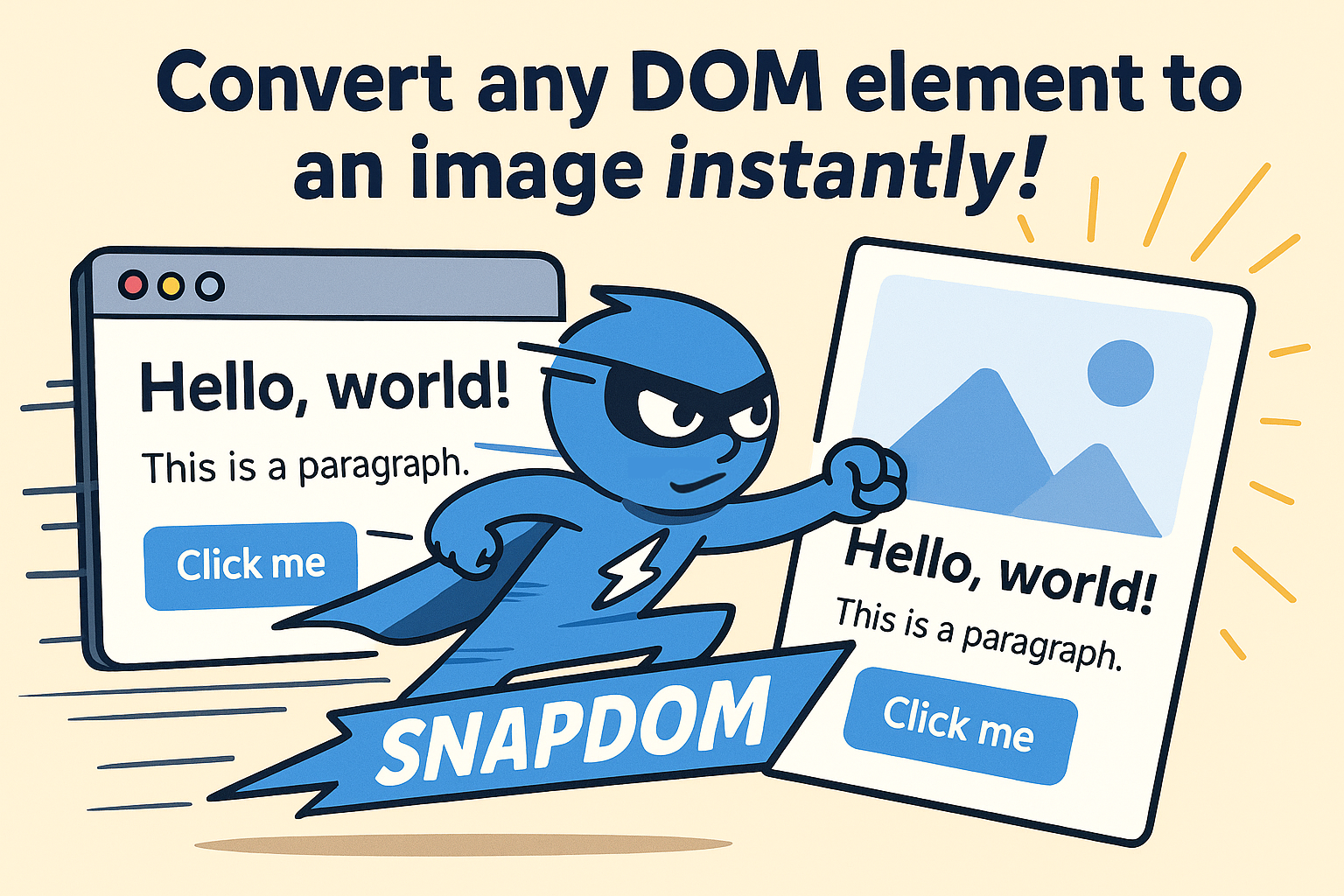
SnapDOM is a next-generation DOM Capture Engine — the fast, modern alternative to html2canvas, dom-to-image, and html-to-image.
It converts any DOM subtree into a self-contained representation that can be exported to SVG, PNG, JPG, WebP, Canvas, Blob, or any custom format through plugins — ultra-fast, modular, extensible, and dependency-free.
Features
Full DOM capture with embedded styles, pseudo-elements and fonts; export to SVG, PNG, JPG, WebP, canvas or Blob — ultra fast, dependency-free, and 100% based on standard Web APIs.
👉 See the complete technical feature list in FEATURES.md.
Website & Live Demos
Quick Start
Capture any DOM element to PNG in one line:
import { snapdom } from '@zumer/snapdom';

const img = await snapdom.toPng(document.querySelector('#card'));
document.body.appendChild(img);
Reusable capture (one clone, multiple exports):
const result = await snapdom(document.querySelector('#card'));
await result.toPng();      // → HTMLImageElement
await result.toSvg();      // → SVG as Image
await result.download({ format: 'jpg', filename: 'card.jpg' });
Table of Contents
- Quick Start
- Features
- Website & Live Demos
- Installation
- Build Outputs
- Usage
- Documentation — full API, Options, Plugins & Cache reference on snapdom.dev/docs
- Limitations
- Performance Benchmarks
- Development
- Contributors
- Sponsors
- Show your support
- License
Installation
NPM / Yarn (stable)
npm i @zumer/snapdom
yarn add @zumer/snapdom
NPM / Yarn (dev builds)
For early access to new features and fixes:
npm i @zumer/snapdom@dev
yarn add @zumer/snapdom@dev
⚠️ The @dev tag usually includes improvements before they reach production, but may be less stable.
CDN (stable)
<!-- Minified build -->
<script src="https://unpkg.com/@zumer/snapdom/dist/snapdom.js"></script>

<!-- Minified ES Module build -->
<script type="module">
  import { snapdom } from "https://unpkg.com/@zumer/snapdom/dist/snapdom.mjs";
</script>
CDN (dev builds)
<!-- Minified build (dev) -->
<script src="https://unpkg.com/@zumer/snapdom@dev/dist/snapdom.js"></script>

<!-- Minified ES Module build (dev) -->
<script type="module">
  import { snapdom } from "https://unpkg.com/@zumer/snapdom@dev/dist/snapdom.mjs";
</script>
Build Outputs
| Variant | File | Use case |
|---|---|---|
| ESM (tree-shakeable) | dist/snapdom.mjs |
Bundlers (Vite, webpack), import |
| IIFE (global) | dist/snapdom.js |
Script tag, legacy require |
Bundler (npm):
import { snapdom } from '@zumer/snapdom'; // → dist/snapdom.mjs
Script tag (CDN):
<script src="https://unpkg.com/@zumer/snapdom/dist/snapdom.js"></script>
<script> snapdom.toPng(document.body).then(img => document.body.appendChild(img)); </script>
Subpath imports (lighter bundle if you only need one):
import { preCache } from '@zumer/snapdom/preCache';
import { plugins } from '@zumer/snapdom/plugins';
Usage
| Pattern | When to use |
|---|---|
Reusable snapdom(el) |
One clone → many exports (PNG + JPG + download). |
Shortcuts snapdom.toPng(el) |
Single export, less code. |
Reusable capture
Capture once, export many times (no re-clone):
const el = document.querySelector('#target');
const result = await snapdom(el);

const img = await result.toPng();
document.body.appendChild(img);
await result.download({ format: 'jpg', filename: 'my-capture.jpg' });
One-step shortcuts
Direct export when you need a single format:
const png = await snapdom.toPng(el);
const blob = await snapdom.toBlob(el);
document.body.appendChild(png);
Documentation
The full reference lives on snapdom.dev/docs — kept there so it stays in sync and searchable:
- API reference — the
snapdom()reusable object, shortcut methods, and exporter-specific options. - Options — every capture option (
scale,dpr,embedFonts,useProxy,exclude/filter,compress,outerTransforms,outerShadows,cache…) explained with examples. - Plugins — build, register and ship custom plugins and export formats. Browse community plugins on the plugins page.
- Cache & preCache — control caching between captures and preload resources.
API at a glance
snapdom(el, options?) returns a reusable object (toPng, toSvg, toCanvas, toBlob, toJpg, toWebp, download, url). For single exports, use the shortcuts:
| Method | Description |
|---|---|
snapdom.toSvg(el, options?) |
Returns an SVG HTMLImageElement |
snapdom.toCanvas(el, options?) |
Returns a Canvas |
snapdom.toBlob(el, options?) |
Returns an SVG or raster Blob |
snapdom.toPng(el, options?) |
Returns a PNG image |
snapdom.toJpg(el, options?) |
Returns a JPG image |
snapdom.toWebp(el, options?) |
Returns a WebP image |
snapdom.download(el, options?) |
Triggers a download |
Options at a glance
All options are optional and can be passed to snapdom(el, options) or any shortcut method.
| Option | Type | Default | Description |
|---|---|---|---|
scale |
number |
1 |
Output scale multiplier |
dpr |
number |
devicePixelRatio |
Pixel density of the rasterized output |
width / height |
number |
null |
Target output size (keeps aspect ratio if only one is set) |
backgroundColor |
string |
null (#ffffff for JPEG/WebP) |
Background fill |
quality |
number |
0.92 |
JPEG/WebP quality (0–1) |
format |
'png' | 'jpeg' | 'webp' | 'svg' |
'png' |
Format for download() |
type |
string |
'svg' |
Blob type for toBlob() ('png', 'jpeg'…) |
filename |
string |
'snapDOM' |
Download filename |
embedFonts |
boolean |
false |
Inline @font-face so text renders with your real fonts |
iconFonts |
string | RegExp | array |
[] |
Icon font families (always embedded) |
localFonts |
array |
[] |
Explicit fonts: { family, src, weight?, style? } |
excludeFonts |
object |
— | Skip fonts by family / domain / subset |
exclude |
string[] |
[] |
CSS selectors to leave out of the capture |
filter |
(el) => boolean |
null |
Keep-predicate (return false to drop a node) |
excludeMode / filterMode |
'hide' | 'remove' |
'hide' |
How excluded nodes are handled |
clip |
'viewport' | {x, y, width, height} |
null |
Capture only a region; offscreen content is pruned |
compress |
boolean |
true |
Downsample inlined images to their visible resolution |
useProxy |
string |
'' |
CORS proxy prefix for cross-origin images |
fallbackURL |
string | fn |
— | Fallback image for broken <img> |
cache |
'soft' | 'auto' | 'full' | 'disabled' |
'soft' |
Cache policy between captures |
outerTransforms |
boolean |
true |
Keep root translate/rotate in the output |
outerShadows |
boolean |
false |
Expand bounds to include root shadows/blur/outline |
fast |
boolean |
true |
Skip idle delays for faster capture |
plugins |
array |
— | Per-capture plugins (override globals by name) |
📖 Full API & every option, explained with examples → snapdom.dev/docs
Limitations
- External images should be CORS-accessible (use
useProxyoption for handling CORS denied) - When WebP format is used on Safari, it will fallback to PNG rendering.
@font-faceCSS rule is well supported, but if need to use JSFontFace(), see this workaround#43- Safari: captures with
embedFontsor background/mask images run slower due to WebKit #219770 (font decode timing). SnapDOM does pre-captures +drawImageto prime the pipeline; configurable viasafariWarmupAttempts(default 3). - Custom scrollbar styles (
::-webkit-scrollbar): Applied only when the element has not been scrolled. When scrolled, the viewport content is captured without the scrollbar.
Performance Benchmarks
Setup. Vitest benchmarks on Chromium, repo tests. Hardware may affect results. Values are average capture time (ms) → lower is better.
Simple elements
| Scenario | SnapDOM current | SnapDOM v1.9.9 | html2canvas | html-to-image |
|---|---|---|---|---|
| Small (200×100) | 0.5 ms | 0.8 ms | 67.7 ms | 3.1 ms |
| Modal (400×300) | 0.5 ms | 0.8 ms | 75.5 ms | 3.6 ms |
| Page View (1200×800) | 0.5 ms | 0.8 ms | 114.2 ms | 3.3 ms |
| Large Scroll (2000×1500) | 0.5 ms | 0.8 ms | 186.3 ms | 3.2 ms |
| Very Large (4000×2000) | 0.5 ms | 0.9 ms | 425.9 ms | 3.3 ms |
Complex elements
| Scenario | SnapDOM current | SnapDOM v1.9.9 | html2canvas | html-to-image |
|---|---|---|---|---|
| Small (200×100) | 1.6 ms | 3.3 ms | 68.0 ms | 14.3 ms |
| Modal (400×300) | 2.9 ms | 6.8 ms | 87.5 ms | 34.8 ms |
| Page View (1200×800) | 17.5 ms | 50.2 ms | 178.0 ms | 429.0 ms |
| Large Scroll (2000×1500) | 54.0 ms | 201.8 ms | 735.2 ms | 984.2 ms |
| Very Large (4000×2000) | 171.4 ms | 453.7 ms | 1,800.4 ms | 2,611.9 ms |
Run the benchmarks
git clone https://github.com/zumerlab/snapdom.git
cd snapdom
npm install
npm run test:benchmark
Development
Source layout:
src/api/– Public API (snapdom,preCache)src/core/– Capture pipeline, clone, prepare, pluginssrc/modules/– Images, fonts, pseudo-elements, backgrounds, SVGsrc/exporters/– toPng, toSvg, toBlob, etc.dist/– Build output (snapdom.js,snapdom.mjs,preCache.mjs,plugins.mjs)
Build:
git clone https://github.com/zumerlab/snapdom.git
cd snapdom
git checkout dev
npm install
npm run compile
Test:
npx playwright install   # Required for browser tests
npm test
npm run test:benchmark
For detailed guidelines, see CONTRIBUTING.
Contributors


Sponsors
Special thanks to @megaphonecolin, @sdraper69, @reynaldichernando, @gamma-app, @jrjohnson, and @ryanander for supporting this project!
If you'd like to support this project too, you can become a sponsor.
Show your support
If SnapDOM saved you time, a ⭐ on GitHub helps other developers find it — that's the whole ask.
Shipping something built with SnapDOM? Add the badge to your README:

[](https://snapdom.dev)
Projects using SnapDOM
SnapDOM runs in production across 290+ public repositories (GitHub dependents graph). A few notable ones, each verified from its own package.json:
- LobeHub — platform for operating AI agents
- Trilium Notes — hierarchical personal knowledge base
- Sealos — AI-native cloud operating system
- Tencent tmagic-editor — low-code page editor
- Playroom — JSX design tool by SEEK
- GPT-Vis — AI-friendly data viz by Ant Group's AntV
- Rabby Wallet — browser wallet for EVM chains
- uMap — OpenStreetMap map builder
- ListenBrainz — music tracker by MetaBrainz
- SnapDIFF — in-browser visual regression testing (by Zumerlab)
See the full gallery at snapdom.dev/made-with. Shipping SnapDOM? Open a PR to add your project — real, verifiable projects only.
License
MIT © Zumerlab