A command-line tool to generate GitHub and GitLab activity graph.
npm install fake-git-historyGenerate Git Commits
A command-line tool that generates GitHub or GitLab activity graphs to make it look like you have been coding regularly.
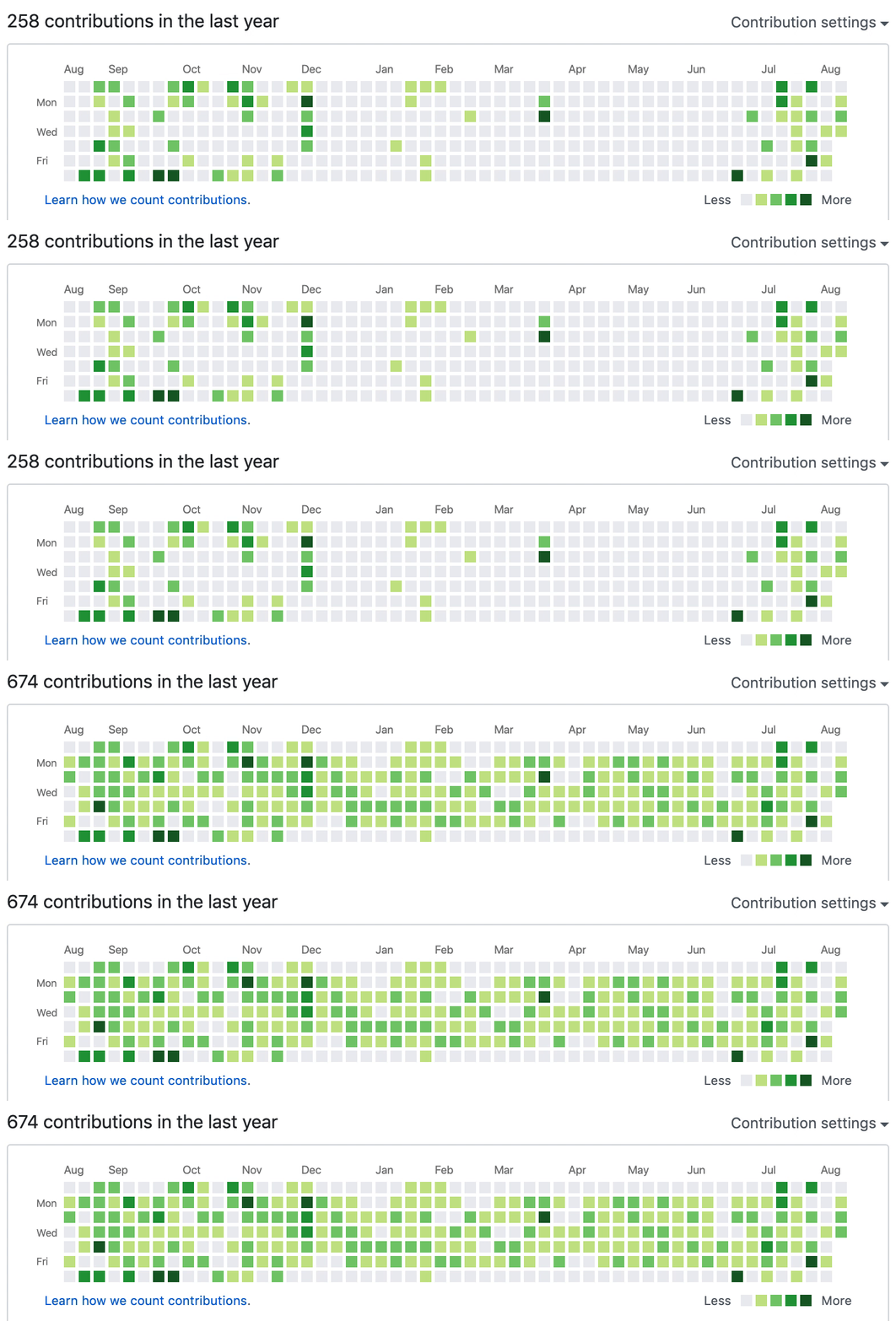
How To Use
- Ensure you have Git and Node.js installed on your machine.
- Generate your commits:
npx fake-git-history - Create a private repository called
my-historyin your GitHub or GitLab. - Push the changes:
cd my-history
git remote add origin git@github.com:<USERNAME>/my-history.git
git push -u origin main
Done! Now take a look at your GitHub profile 😉
Support This Project
If you rely on this tool and find it useful, please consider supporting it. Maintaining an open source project takes time, and a cup of coffee would be greatly appreciated!

Customizations
--preview
If you want to preview the activity graph before creating any commits, use the --preview flag:
npx fake-git-history --preview
You can combine it with other options:
npx fake-git-history --preview --distribution workHours --frequency 100
--frequency
Control the chance (0-100%) of generating commits for each day. This makes your activity graph look more random and realistic.
The default value is 80, which means commits will be generated for 80% of the days in the date range. Setting a lower value will randomly skip more days:
npx fake-git-history --frequency 50
This will generate commits for approximately 50% of the days in your date range, making the pattern look more natural.
--distribution
Choose the distribution pattern for generating commits:
uniform(default): Evenly distributed random commits between min and maxworkHours: More commits during work hours (9am-5pm) and on weekdays (especially Tuesday-Thursday)afterWork: More commits during evenings and weekends
Work Hours Pattern
For a typical work schedule pattern that shows more activity during weekdays:
npx fake-git-history --distribution workHours --preview
Days between Tuesday and Thursday will have the most activity, while weekends will be mostly empty.
After Work Pattern
For an evening/weekend coder pattern that shows more activity during off-hours:
npx fake-git-history --distribution afterWork --preview
Saturday and Sunday will have the most activity, with Friday evenings also showing higher commit counts.
--startDate and --endDate
By default, the script generates GitHub commits for every day within the last year. But if you want to generate activity for specific dates, use these options:
npx fake-git-history --startDate "2020/09/01" --endDate "2020/09/30"
--commitsPerDay
Specify the number of commits to create for each day.
The default is 0,4,but you can change it:
npx fake-git-history --commitsPerDay "0,6"
PS
This tool was created as a joke, so please don't take it seriously. While cheating is never encouraged, if someone is judging your professional skills based on your GitHub activity graph, they deserve to see a rich activity graph 🤓