Your next-gen API testing and development tool.
↓ Descargar
Todas las versiones →

One-stop API management tool





📋 Table of Contents
- 🐦 What is Sparrow ?
- 🔨 Installation
- 👨💻 Recommended IDE Setup
- ❤️ How to Contribute ?
- 📨 Subscribe to our Newsletter
🐦 What is Sparrow ?
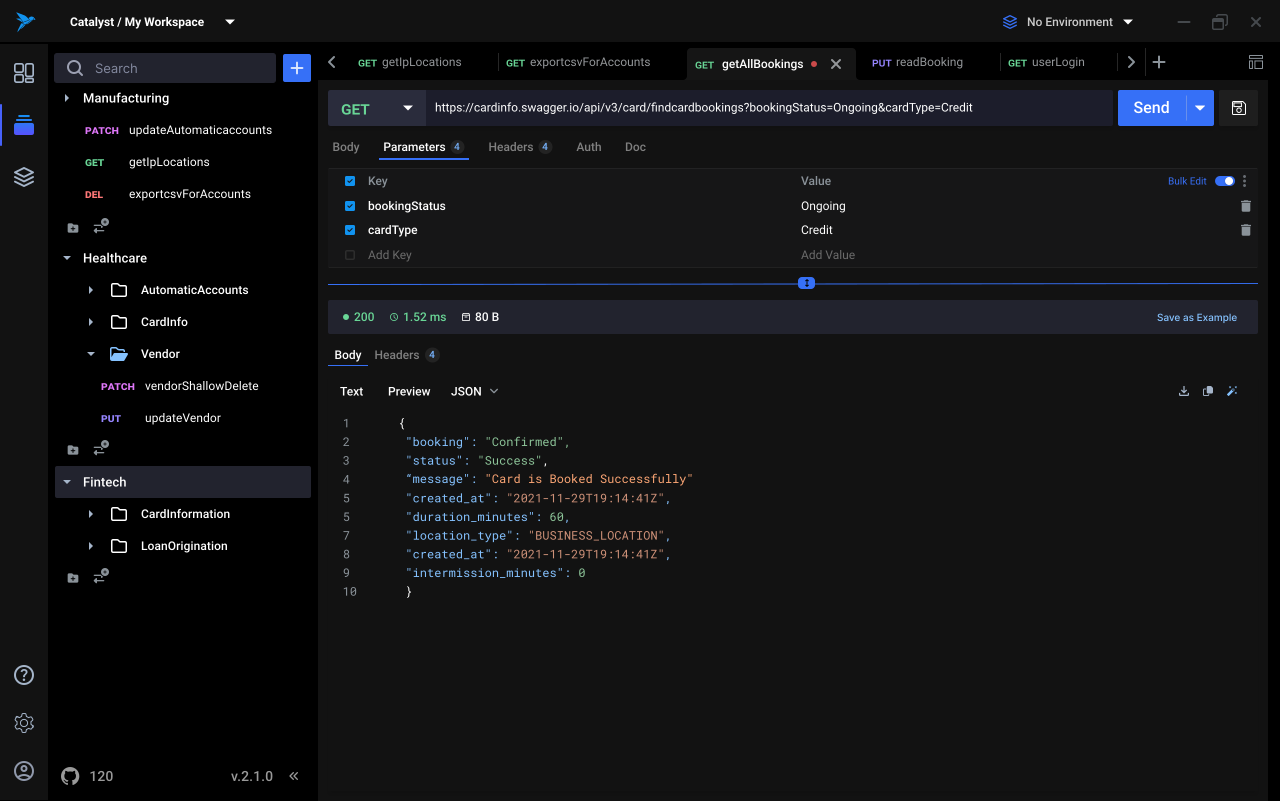
Sparrow is your next go-to API development buddy which can help you test, debug, and distribute better APIs while collaborating with your colleagues and making you a better programmer.
🔨 Installation
Prerequisite:
To install this project, you will need to have the following installed on your machine :



Check if you already have the prerequisites installed by running the below commands in your terminal
- Node: node -v
- Yarn: yarn check
- Rust: rustc --version
- Docker(Optional): docker --version
Install the required dependencies by heading over to the links below,
Installation Steps:
-> Required Steps
# Clone the repo
git clone https://github.com/sparrowapp-dev/sparrow-app

# Move into the project root
cd sparrow-app

# Install dependencies and Husky hooks
yarn

# Copy desktop app .env.example to .env
cp apps/@sparrow-desktop/.env.example apps/@sparrow-desktop/.env

# Copy web app .env.example to .env
cp apps/@sparrow-web/.env.example apps/@sparrow-web/.env
You can customize the environment variables in
.envif required. Refer the Environment Variable Guide to understand more.
After completing the required steps of setting up the repository and env, follow one of the below methods to setup the required services:
-> [METHOD 1] Docker Method
To install all services(Mongo + API Server + Auth Server + Proxy Server) as docker containers, and start the web app on port 1422, run:
yarn docker:upTo install individual services, run:
yarn docker:<SERVICE NAME>yarn docker:mongo- Runs only mongo in a docker containeryarn docker:sparrow-api- Runs only the api serveryarn docker:sparrow-auth- Runs only the auth serviceyarn docker:sparrow-proxy- Runs only the proxy service
Points to remember:
Running yarn docker:up will also start web app on localhost:1422. You can comment it out in docker compose if you want to run the app locally.
-> [METHOD 2] Non-Docker Method
Go to following repositories of individual services and check their README in order to setup them on your local.
Points to remember:
Mongo DB setup is already included in Sparrow API setup.
-> Run The App Locally
# Run the desktop app in dev mode
yarn desktop-start

# Run the web app in dev mode
yarn web-start
The above command will start the app/web-app in development mode and watch for changes on local.
Default User for Login:
Sparrow creates a default user to help you get started quickly and easily.
Login Credentials:
- Email:
dev@sparrow.com - Password:
12345678@
👨💻 Self Host
Click here to Self Host Sparrow.
💻 Recommended IDE Setup
VS Code + Svelte + Tauri + rust-analyzer.
❤️ How to Contribue ?
You can checkout Contributing Guidelines
📨 Newsletter
Subscribe to our newsletter by applying here!