strnad/CrewAI-Studio
PythonA user-friendly, multi-platform GUI for managing and running CrewAI agents and tasks. Supports Conda and virtual environments, no coding needed.
pip install crewai-studioCrewAI Studio
[!NOTE] Maintenance status: This project is in low-maintenance mode. The author is not actively developing new features, but the project is not abandoned — security fixes and critical bug fixes still happen, and pull requests are very welcome. If you'd like to add a feature or fix something, go for it; reasonable PRs get reviewed and merged.
Welcome to CrewAI Studio! This application provides a user-friendly interface written in Streamlit for interacting with CrewAI, suitable even for those who don't want to write any code. Follow the steps below to install and run the application using Docker/docker-compose or Conda/venv.
Features
- Multi-platform support: Works on Windows, Linux and MacOS.
- No coding required: User-friendly interface for interacting with CrewAI.
- Conda and virtual environment support: Choose between Conda and a Python virtual environment for installation.
- Results history: You can view previous results.
- Knowledge sources: You can add knowledge sources for your crews
- CrewAI tools You can use crewai tools to interact with real world.
Crewai studio uses a forked version of crewai-tools with some bugfixes and enhancements (https://github.com/strnad/crewAI-tools)(bugfixes already merged to crewai-tools) - Custom Tools Custom tools for calling APIs, writing files, enhanced code interpreter, enhanced web scraper... More will be added soon
- LLM providers supported: Currently OpenAI, Groq, Anthropic, ollama, Grok and LM Studio backends are supported. OpenAI key is probably still needed for embeddings in many tools. Don't forget to load an embedding model when using LM Studio.
- Single Page app export: Feature to export crew as simple single page streamlit app.
- Threaded crew run: Crews can run in background and can be stopped.
Support CrewAI Studio
Your support helps fund the development and growth of our project. Every contribution is greatly appreciated!
Donate with Bitcoin
bc1qgsn45g02wran4lph5gsyqtk0k7t98zsg6qur0y
Sponsor via GitHub

Screenshots
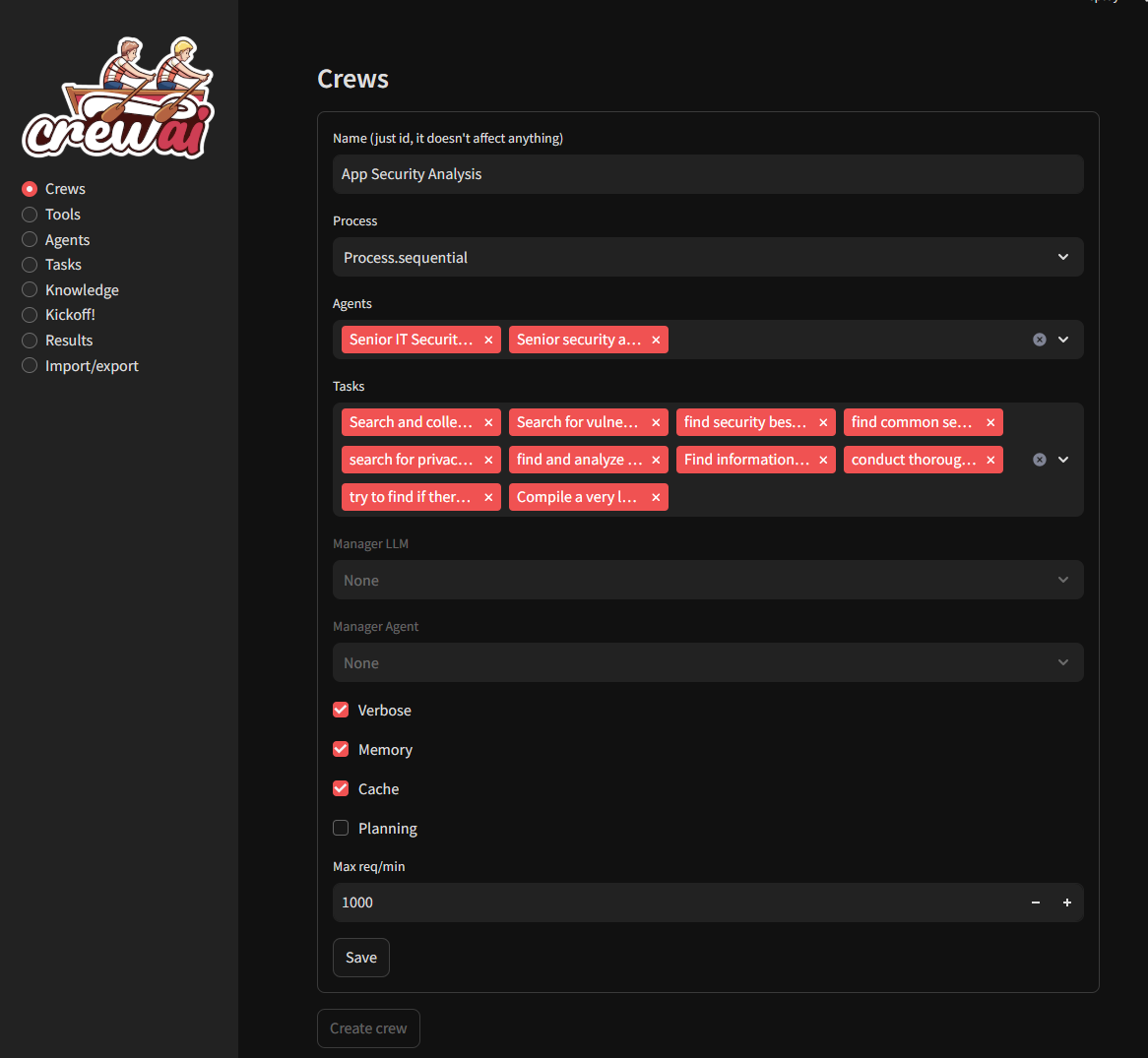
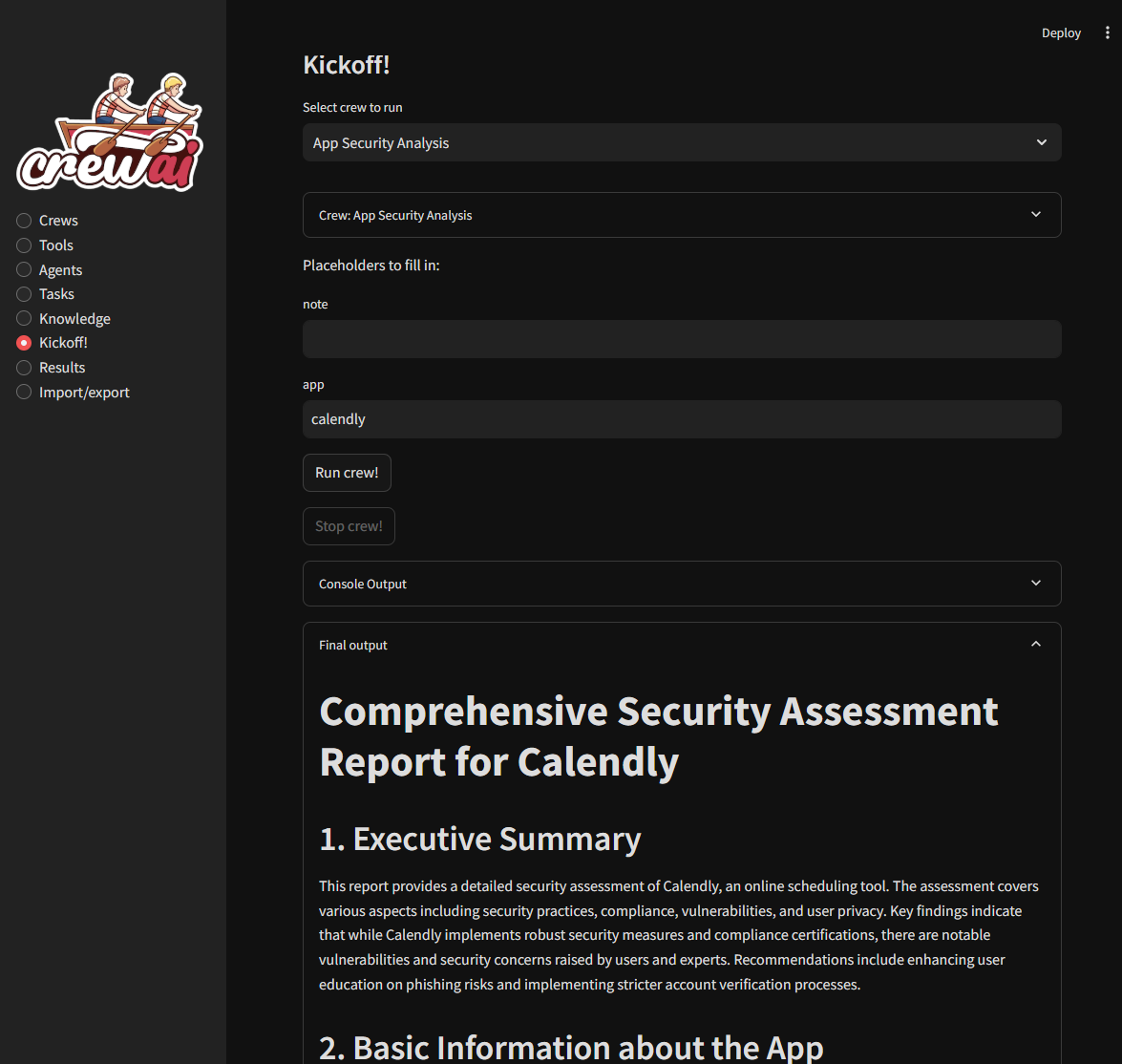
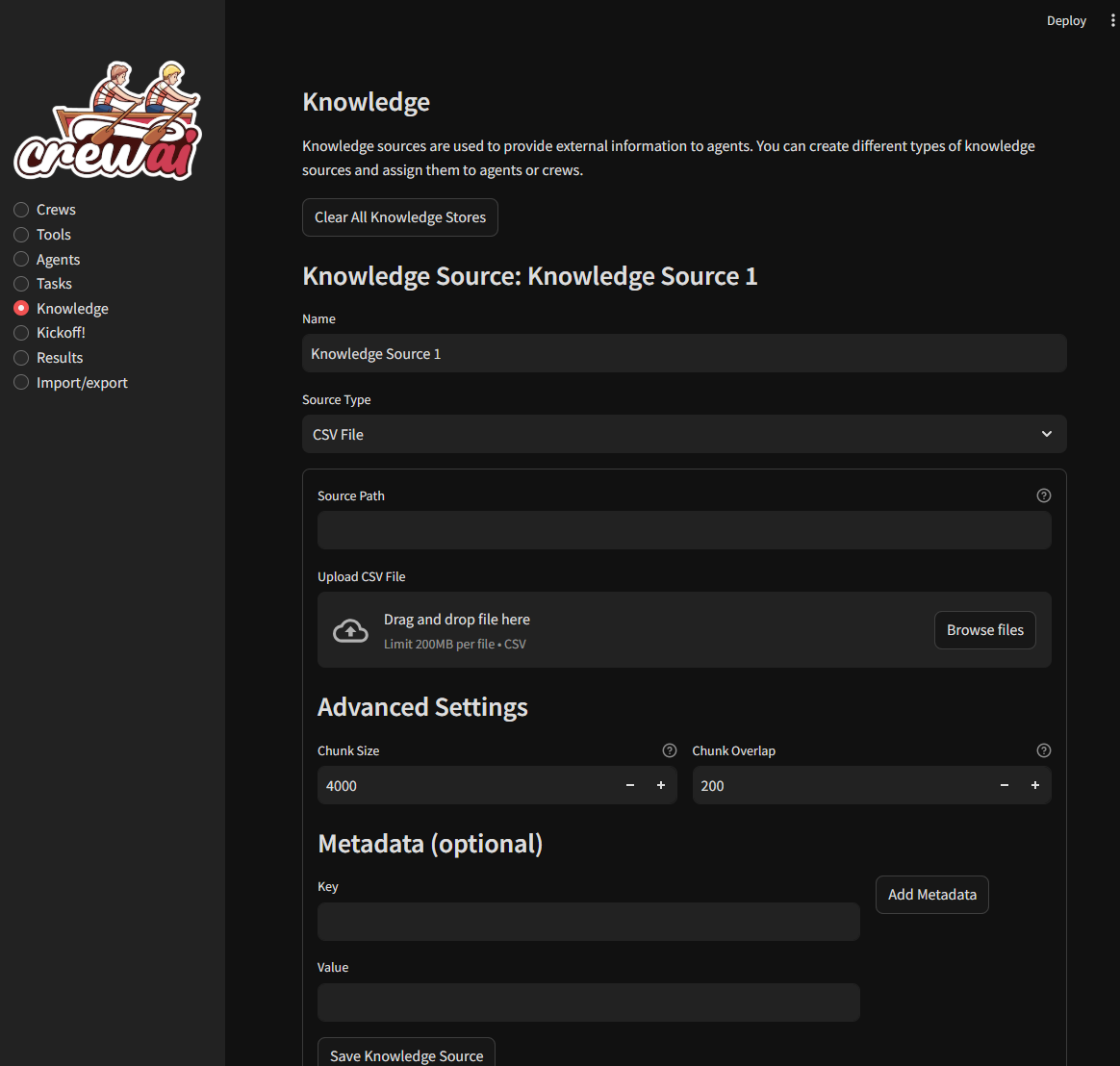
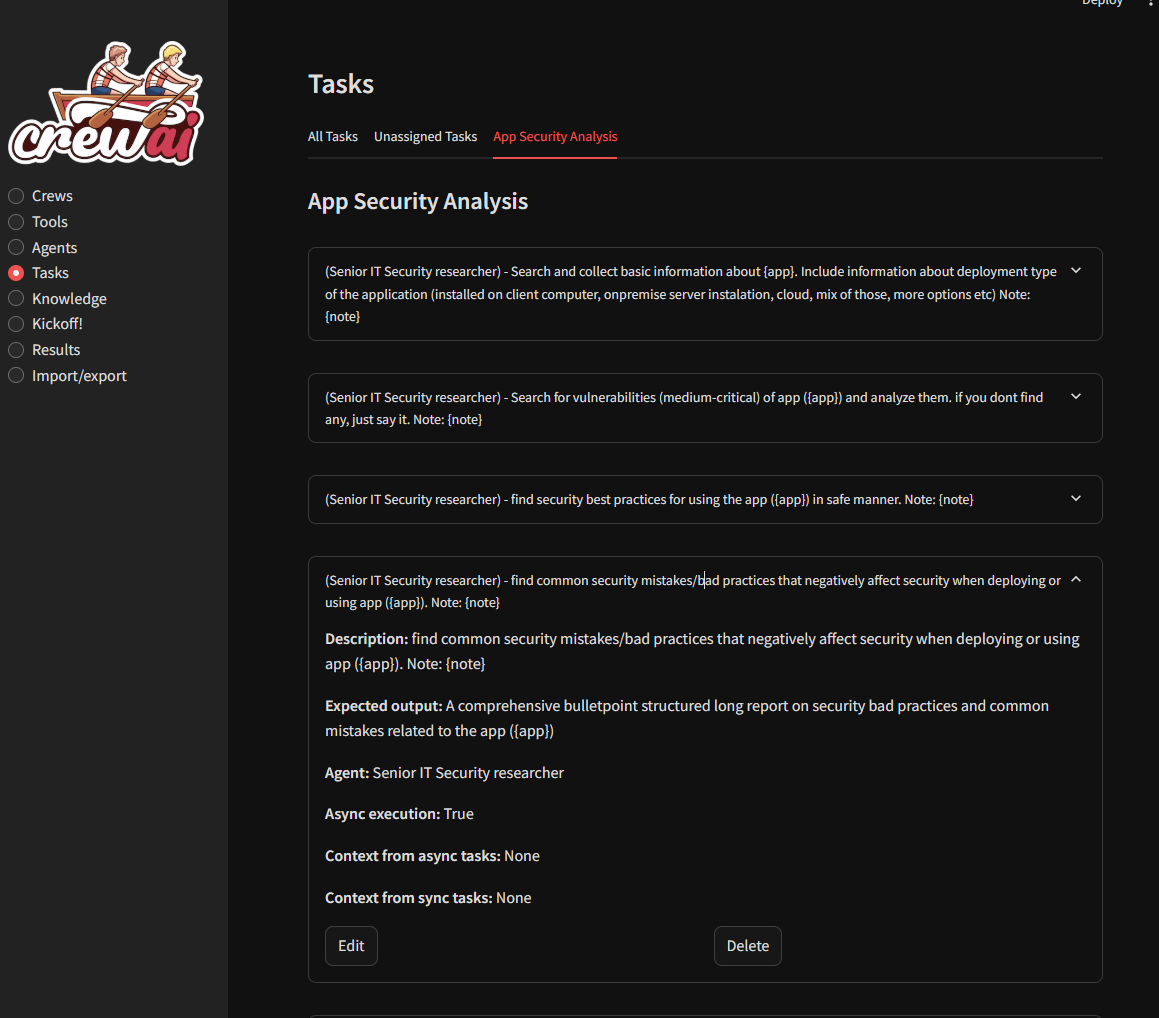
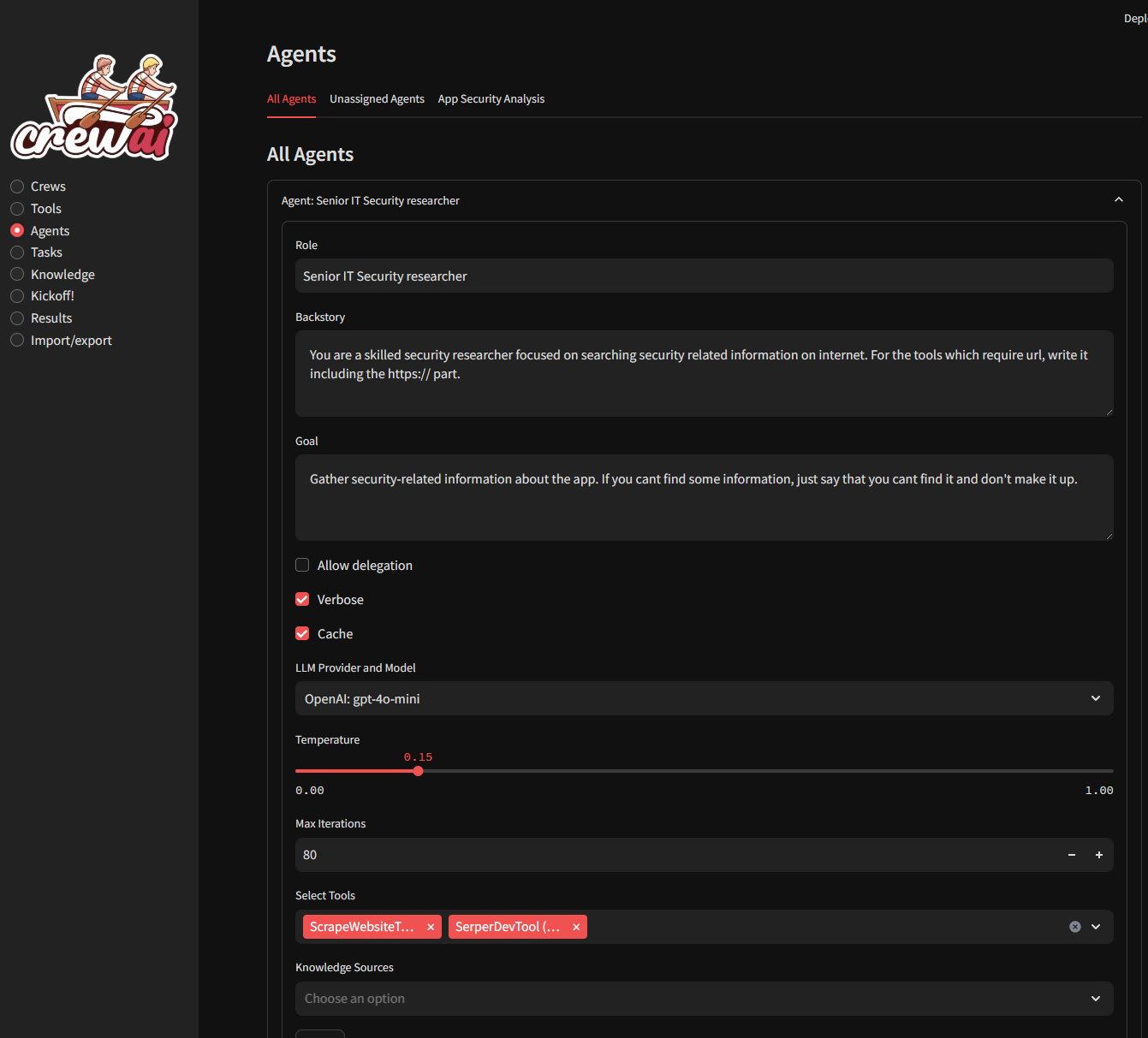
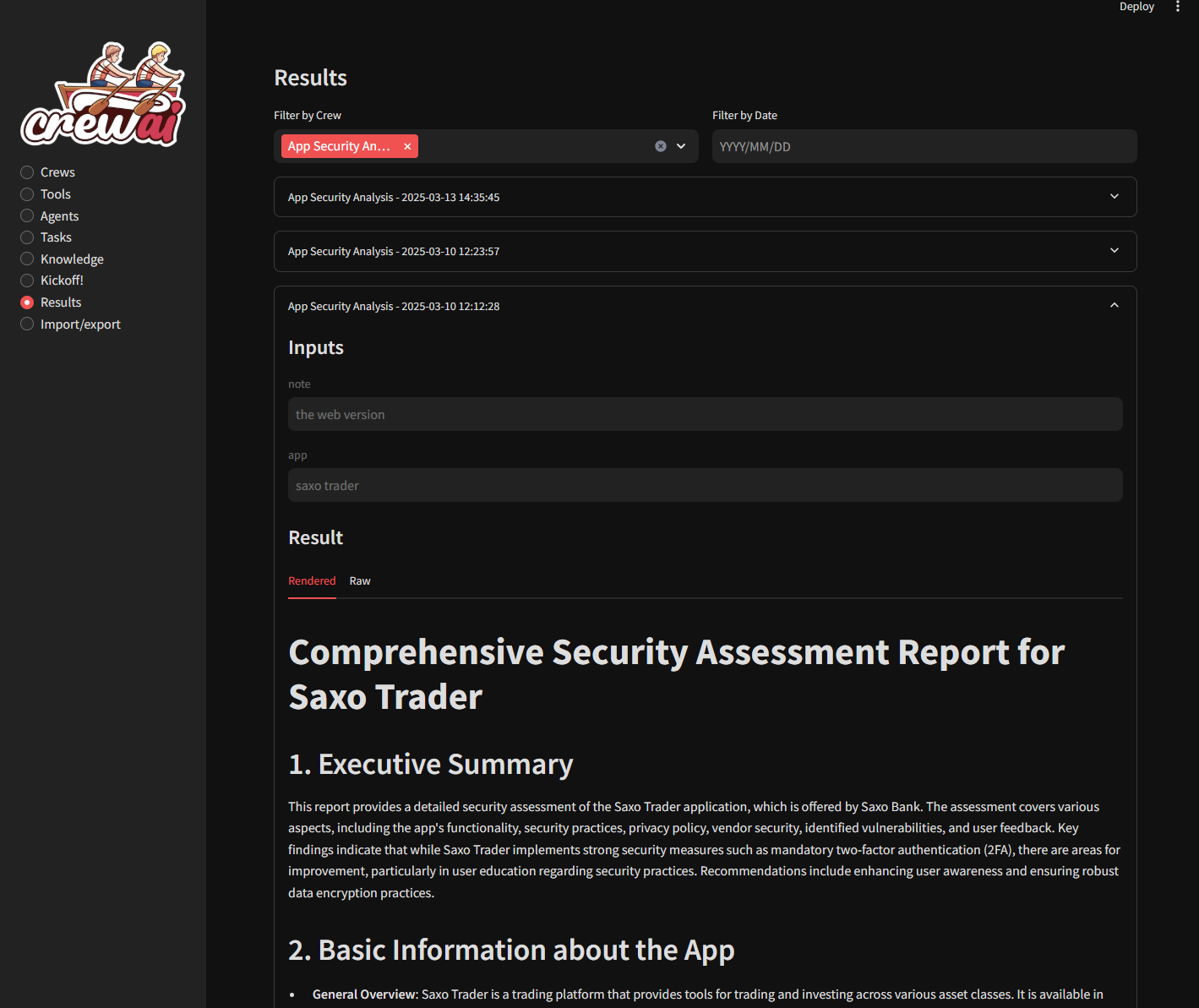
Installation
Using Virtual Environment
For Virtual Environment: Ensure you have Python installed. If you dont have python instaled, you can simply use the conda installer.
On Linux or MacOS
Clone the repository (or use downloaded ZIP file):
git clone https://github.com/strnad/CrewAI-Studio.git
cd CrewAI-Studio
Run the installation script:
./install_venv.shRun the application:
./run_venv.sh
On Windows
Clone the repository (or use downloaded ZIP file):
git clone https://github.com/strnad/CrewAI-Studio.git
cd CrewAI-Studio
Run the Conda installation script:
./install_venv.batRun the application:
./run_venv.bat
Using Conda
Conda will be installed locally in the project folder. No need for a pre-existing Conda installation.
On Linux
Clone the repository (or use downloaded ZIP file):
git clone https://github.com/strnad/CrewAI-Studio.git
cd CrewAI-Studio
Run the Conda installation script:
./install_conda.shRun the application:
./run_conda.sh
On Windows
Clone the repository (or use downloaded ZIP file):
git clone https://github.com/strnad/CrewAI-Studio.git
cd CrewAI-Studio
Run the Conda installation script:
./install_conda.batRun the application:
./run_conda.bat
One-Click Deployment

Running with Docker Compose
To quickly set up and run CrewAI-Studio using Docker Compose, follow these steps:
Prerequisites
- Ensure Docker and Docker Compose are installed on your system.
Steps
- Clone the repository:
git clone https://github.com/strnad/CrewAI-Studio.git
cd CrewAI-Studio
- Create a .env file for configuration. Edit for your own configuration:
cp .env_example .env
- Start the application with Docker Compose:
docker-compose up --build
- Access the application: http://localhost:8501
Configuration
Before running the application, ensure you update the .env file with your API keys and other necessary configurations. An example .env file is provided for reference.
Troubleshooting
In case of problems:
- Delete the
venv/minicondafolder and reinstallcrewai-studio. - Rename
crewai.db(it contains your crews but sometimes new versions can break compatibility). - Raise an issue and I will help you.
Video tutorial
Video tutorial on CrewAI Studio made by Josh Poco