ardha27/AI-Waifu-Vtuber
PythonAI Vtuber for Streaming on Youtube/Twitch
pip install ai-waifu-vtuberAI Waifu Vtuber & Assistant
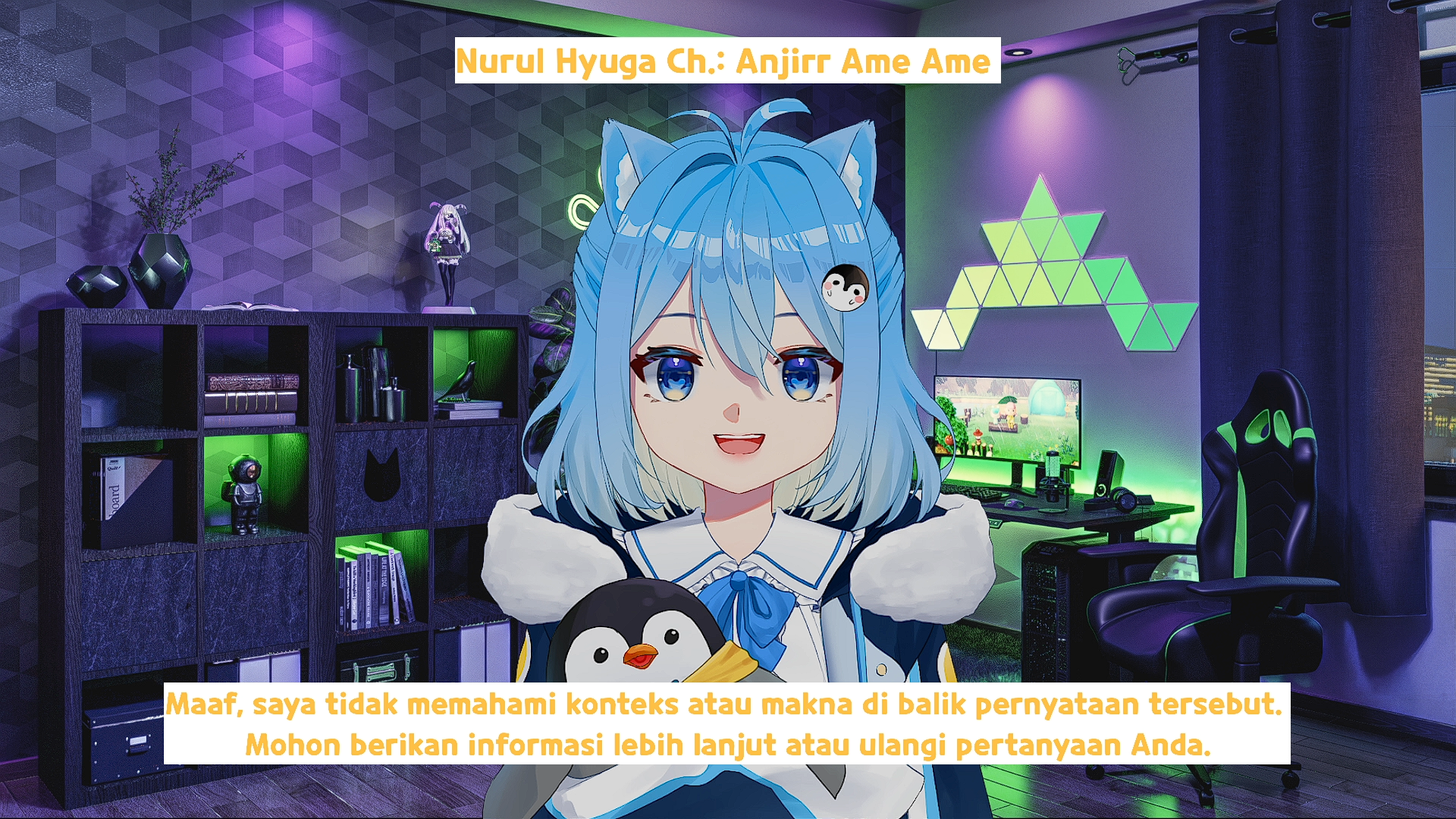
An AI waifu virtual YouTuber that hears your voice, replies in character, and talks back with text-to-speech. It can also read Twitch chat and answer your viewers.
This project is inspired by shioridotdev and uses VoiceVox Engine, DeepL, Whisper OpenAI, Seliro TTS, and VtubeStudio.
Update
v3.5 Now it also supports for Twitch Streamer
v3.0 Now not only supports Japanese TTS using VoiceVox. But also supports TTS for RU (Russian), EN (English), DE (German), ES (Spanish), FR (French), TT (Tatar), UA (Ukrainian), UZ (Uzbek), XAL (Kalmyk), Indic (Hindi), using Seliro TTS. Change voicevox_tts on run.py to seliro_tts, for detailed information of how to use Seliro TTS
Demo
Technologies Used
- VoiceVox Docker or

- DeepL
- Deeplx
- Whisper OpenAI
- Seliro TTS
- VB-Cable
- VtubeStudio
Installation
- Install the dependencies
pip install -r requirements.txt
- Create config.py and store your Openai API key
api_key = 'yourapikey'
- Change the owner name
owner_name = "Ardha"
If you want to use it for livestream, create a list of users that you want to blacklist on run.py
blacklist = ["Nightbot", "streamelements"]
Change the lore or identity of your assistant. Edit the txt file at
characterConfig\Pina\identity.txtIf you want to stream on Twitch, change the config file at
utils/twitch_config.py. Get your token from here. Your token should look something like oauth:43rip6j6fgio8n5xly1oum1lph8ikl1 (fake for this tutorial). After you change the config file, start the program using Mode - 3.
server = 'irc.chat.twitch.tv'
port = 6667
nickname = 'testing' # You don't need to change this
token = 'oauth:43rip6j6fgio8n5xly1oum1lph8ikl1' # get it from https://twitchapps.com/tmi/.
user = 'ardha27' # Your Twitch username
channel = '#aikohound' # The channel you want to retrieve messages from
- Choose which TTS you want to use,
VoiceVoxorSilero. Uncomment and comment to switch between them.
# Choose between the available TTS engines
# Japanese TTS
voicevox_tts(tts)

# Silero TTS, Silero TTS can generate English, Russian, French, Hindi, Spanish, German, etc. Uncomment the line below. Make sure the input is in that language
# silero_tts(tts_en, "en", "v3_en", "en_21")
To use VoiceVox, run the VoiceVox Engine first. You can run it locally with VoiceVox Docker, or on Google Colab with VoiceVox Colab. If you use the Colab one, change voicevox_url on utils\TTS.py to the link you get from Colab.
voicevox_url = 'http://localhost:50021'
To see the VoiceVox voice list, check VoiceVox, find the speaker id in speaker.json, then change it on utils/TTS.py. For Seliro voice samples, check Seliro Samples.
- Choose which translator you want to use based on your use case (optional, only if you need translation for the answers). Pick either Google Translate or DeepLx. You need to convert the answer to Japanese if you want to use
VoiceVox, because VoiceVox only accepts input in Japanese. The answer language from OpenAI depends on your assistant lore language incharacterConfig\Pina\identity.txtand the input language.
tts = translate_deeplx(text, f"{detect}", "JA")
tts = translate_google(text, f"{detect}", "JA")
DeepLx is the free version of DeepL (no API key required). You can run Deeplx on docker. If you want the normal version of DeepL, you can write the function on utils\translate.py. I use DeepLx because i can't register on DeepL from my country. The translation from DeepL is more accurate and casual than Google Translate, but if you want the simple way, just use Google Translate.
To use the audio output from the program as an input for your
Vtubestudio, capture your desktop audio withVirtual Cableand use it as the microphone input on VtubeStudio.If you plan to use this program for live streaming, use
chat.txtandoutput.txtas input on OBS Text for realtime captions/subtitles.
FAQ
- Error Transcribing Audio
def transcribe_audio(file):
    global chat_now
    try:
        audio_file= open(file, "rb")
        # Translating the audio to English
        # transcript = openai.Audio.translate("whisper-1", audio_file)
        # Transcribe the audio to detected language
        transcript = openai.Audio.transcribe("whisper-1", audio_file)
        chat_now = transcript.text
        print ("Question: " + chat_now)
    except:
        print("Error transcribing audio")
        return

    result = owner_name + " said " + chat_now
    conversation.append({'role': 'user', 'content': result})
    openai_answer()
Change this line of code to the version below. This removes the try/except so you can see the real error message.
def transcribe_audio(file):
    global chat_now
    audio_file= open(file, "rb")
    # Translating the audio to English
    # transcript = openai.Audio.translate("whisper-1", audio_file)
    # Transcribe the audio to detected language
    transcript = openai.Audio.transcribe("whisper-1", audio_file)
    chat_now = transcript.text
    print ("Question: " + chat_now)


    result = owner_name + " said " + chat_now
    conversation.append({'role': 'user', 'content': result})
    openai_answer()
Do not upgrade the OpenAI library to fix this. Keep openai==0.28.1, the pinned version this project uses. The code relies on the legacy openai.Audio and openai.ChatCompletion API, which was removed in openai 1.0 and later, so a newer version will break the program. Also make sure the program captured your voice, try to listen to the input.wav.
- Mecab Error
This library is a little bit tricky to install. If you face this problem, you can just delete and not use the katakana_converter on utils/TTS.py. That function is optional, you can run the program without it. Delete these two lines on utils/TTS.py.
from utils.katakana import *
katakana_text = katakana_converter(tts)
and just pass the tts to the next line of the code
params_encoded = urllib.parse.urlencode({'text': tts, 'speaker': 46})
Credits
This project is inspired by the work of shioridotdev. Special thanks to the creators of the technologies used in this project including VoiceVox Engine, DeepL, Whisper OpenAI, and VtubeStudio.
Support
