Dynamic Documents for R
rmarkdown 


The rmarkdown package helps you create dynamic analysis documents that combine code, rendered output (such as figures), and prose. You bring your data, code, and ideas, and R Markdown renders your content into a polished document that can be used to:
Do data science interactively within the RStudio IDE,
Reproduce your analyses,
Collaborate and share code with others, and
Communicate your results with others.
R Markdown documents can be rendered to many output formats including HTML documents, PDFs, Word files, slideshows, and more, allowing you to focus on the content while R Markdown takes care of your presentation.
Books
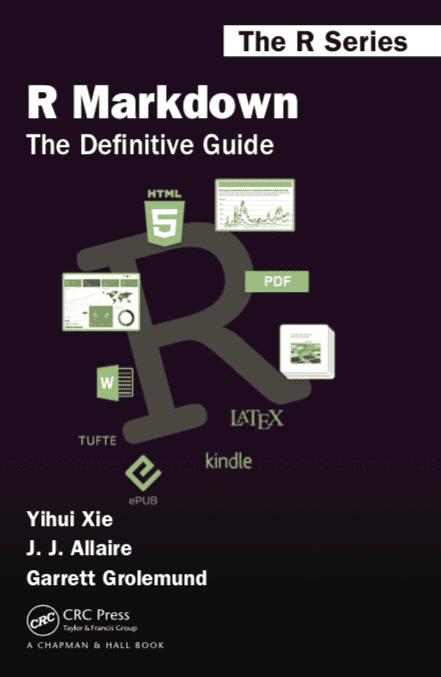
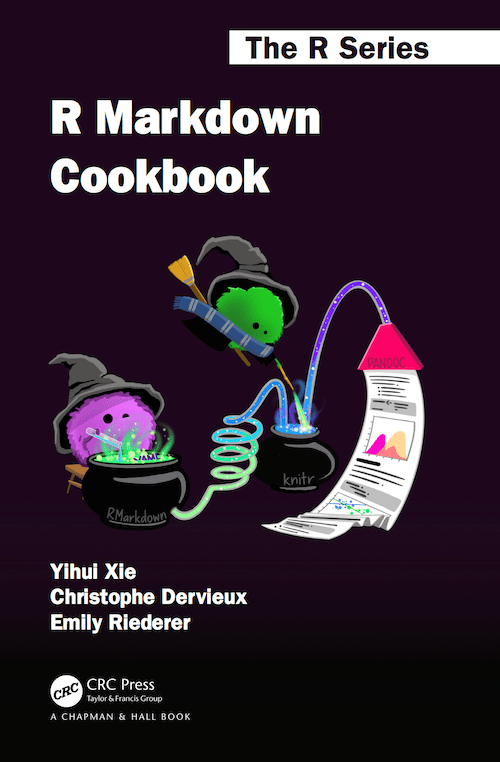
See more about them in Get Started.
Installation
The easiest way to install the rmarkdown package is from within the RStudio IDE, but you don't need to explicitly install it or load it, as RStudio automatically does both when needed. A recent version of Pandoc (>= 1.12.3) is also required; RStudio also automatically includes this too so you do not need to download Pandoc if you plan to use rmarkdown from the RStudio IDE.
If you want to use the rmarkdown package outside of RStudio, you can install the package from CRAN as follows:
install.packages("rmarkdown")
If you want to use the development version of the rmarkdown package (either with or without RStudio), you can install the package from GitHub via the pak package:
# install.packages("pak")
pak::pak('rstudio/rmarkdown')
If not using the RStudio IDE, you'll need to install a recent version of Pandoc (>= 1.12.3); see the Pandoc installation instructions for help.
Usage
The easiest way to make a new R Markdown document is from within RStudio. Go to File > New File > R Markdown. From the new file wizard, you may:
- Provide a document title (optional but recommended),
- Provide an author name (optional but recommended),
- Select a default output format- HTML is the recommended format for authoring, and you can switch the output format anytime (required),
- Click OK (required).
Once inside your new .Rmd file, you should see some boilerplate text that includes code chunks. Use the "Knit" button in the RStudio IDE to render the file and preview the output with a single click or use the keyboard shortcut Cmd/Ctrl + Shift + K.
You can also delete all the text below the YAML frontmatter and fill in your own .Rmd by:
- Adding code chunks (keyboard shortcut:
Ctrl + Alt + I; OS X:Cmd + Option + I), - Writing prose with Markdown formatting, and
- Running each code chunk interactively by clicking the
 icon within RStudio.
You can also click "Knit to HTML" again to render the full document with all code chunks. For more help getting started in R Markdown, please see the R Markdown website or use the "Get Started" links at the top of this page.
Getting help
There are two main places to get help:
The Posit community is a friendly place to ask any questions about rmarkdown and the R Markdown family of packages.
Stack Overflow is a great source of answers to common rmarkdown questions. It is also a great place to get help, once you have created a reproducible example that illustrates your problem.
Code of Conduct
Please note that the rmarkdown project is released with a Contributor Code of Conduct. By contributing to this project, you agree to abide by its terms.