BrisklyDev/brisk
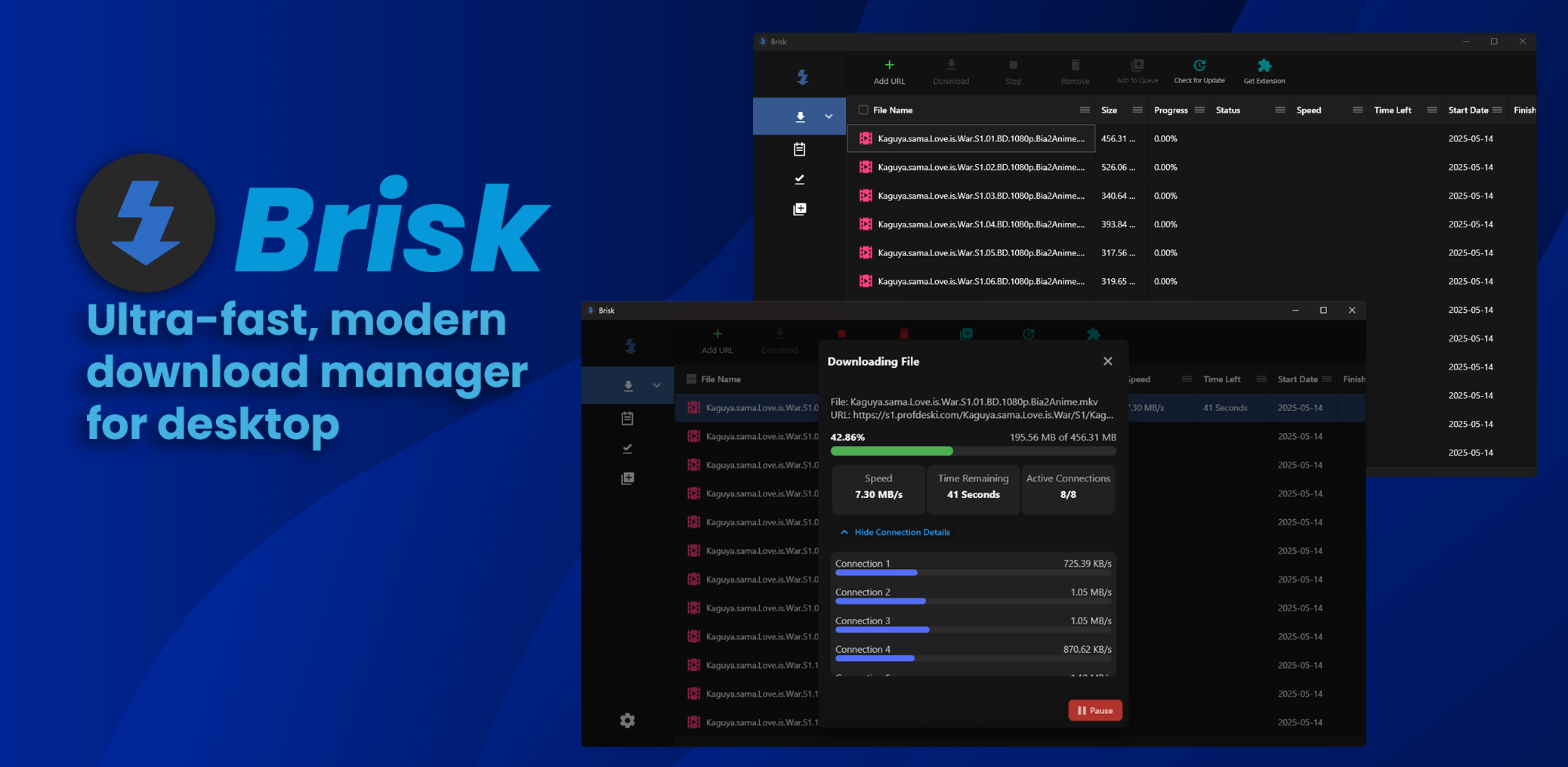
DartUltra-fast, modern download manager for desktop
↓ 다운로드
모든 릴리스 →



:package: Installation
To install the browser extension, please refer to the brisk-browser-extension repository.
| Platform | Package/Installation Method |
|---|---|
| Windows (x86_64) |

|
| MacOS (x86_64, arm64) |

|
| Flatpak (x86_64, aarch64) |

|
| Snap (amd64) |

|
| Arch (x86_64) |

|
| Linux (x86_64) |

|
[!IMPORTANT] For Linux, make sure to check the Linux Prerequisites (for tarball only)
On Windows, if you encountered a "Windows Protected your PC" warning, click
more info -> run anywayFor the browser extension to work properly, disable other download manager extensions.
:rocket: Key Features
- Powerful Download Engine
- Browser Integration
- Downloading video streams from the browser with soft-subbing support
- Download Queues and Scheduling
- Custom Hotkey to add a download URL from the clipboard
:gear: Brisk's Download Engine
Brisk is powered by a custom-built, high-performance engine that delivers the maximum download speed throughout the entire download process. The engine is built entirely from scratch only using Dart's http, without relying on external libraries or download utilities like aria2.
The key features of the engine include:
- Dynamic Connection Spawn: Downloads starts with a single connection and as they progress, new connections are added on the fly. This ensures that a higher number of connections are used only when necessary.
- Dynamic Connection Reuse: After a connection completes receiving its designated byte range, it is immediately reassigned to assist another connection. As a result, the engine maintains as many active connections as possible, ensuring that download speeds remain consistently at their peak.
- Downloading M3U8 Streams: Brisk is able to capture and download M3U8 video streams from the browser (requires Brisk Browser Extension)
- Automatic connection reset: Hanging connections will be reset automatically.
:globe_with_meridians: Browser Integration
Brisk offers a dedicated browser extension with the following features:
- Capturing download requests from the browser and directly adding them to Brisk
- Extracting all download links from a selected text area and adding them to Brisk all at once
- Capturing m3u8 video streams from the browser
Please refer to the brisk-browser-extension repository for installation.
:film_projector: Demo With Browser Integration
https://github.com/user-attachments/assets/844c89a4-8aaa-49f0-9a4e-17fb8614bbc8
:key: Linux Prerequisites
keybinder-3
- Debian/Ubuntu :
libkeybinder-3.0-0 - Fedora/RHEL/CentOS :
keybinder3 - Arch Linux :
libkeybinder3
- Debian/Ubuntu :
appindicator3-0.1
- Debian/Ubuntu :
libayatana-appindicator3-dev - Fedora/RHEL/CentOS :
libayatana-appindicator-gtk3 - Arch Linux :
libappindicator-gtk3
- Debian/Ubuntu :
:hammer_and_wrench: Build From Source
Install the Flutter SDK v3.32.0
flutter build macos|windows|linux
:heart: Credits and Contributors
Contributions are welcome and appreciated.
:busts_in_silhouette: Community
