랭킹으로 돌아가기





Gurupreet/ComposeCookBook
KotlinA Collection on all Jetpack compose UI elements, Layouts, Widgets and Demo screens to see it's potential
jetpackjetpack-composecomposeandroidandroid-uikotlinkotlin-androiddeclarative-uijetpackcompose
주요 지표
스타 성장
스타
6.9k
포크
852
주간 성장
—
이슈
20
2k4k6k
2020년 9월2021년 8월2022년 8월2023년 8월2024년 8월2025년 7월2026년 7월
README
ComposeCookBook
Declarative UI
A Collection of all Jetpack compose UI elements, Layouts, Widgets and Demo screens to see it's potential.
Jetpack Compose
Jetpack Compose is Android’s modern toolkit for building native UI. It simplifies and accelerates UI development on Android. Quickly bring your app to life with less code, powerful tools, and intuitive Kotlin APIs.
Jetpack compose for Desktop:
FontAwesomeIcons in Compose:
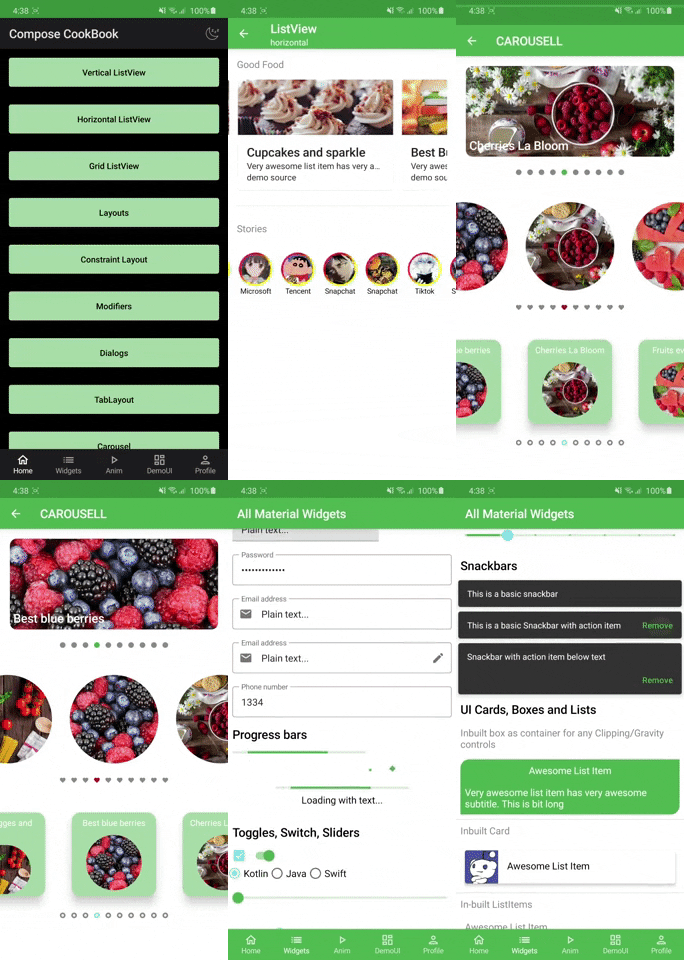
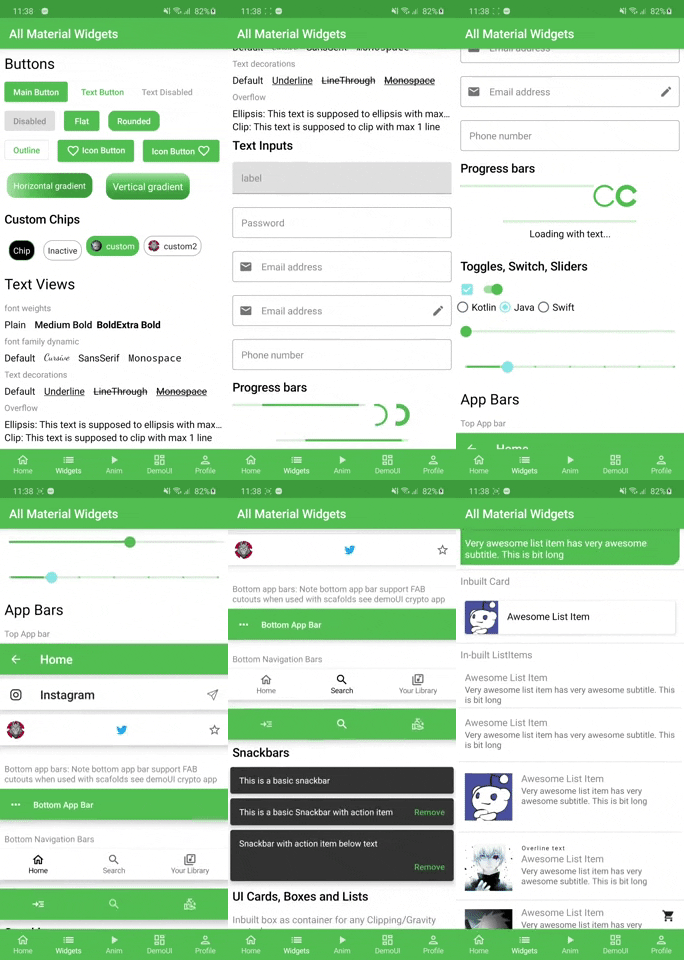
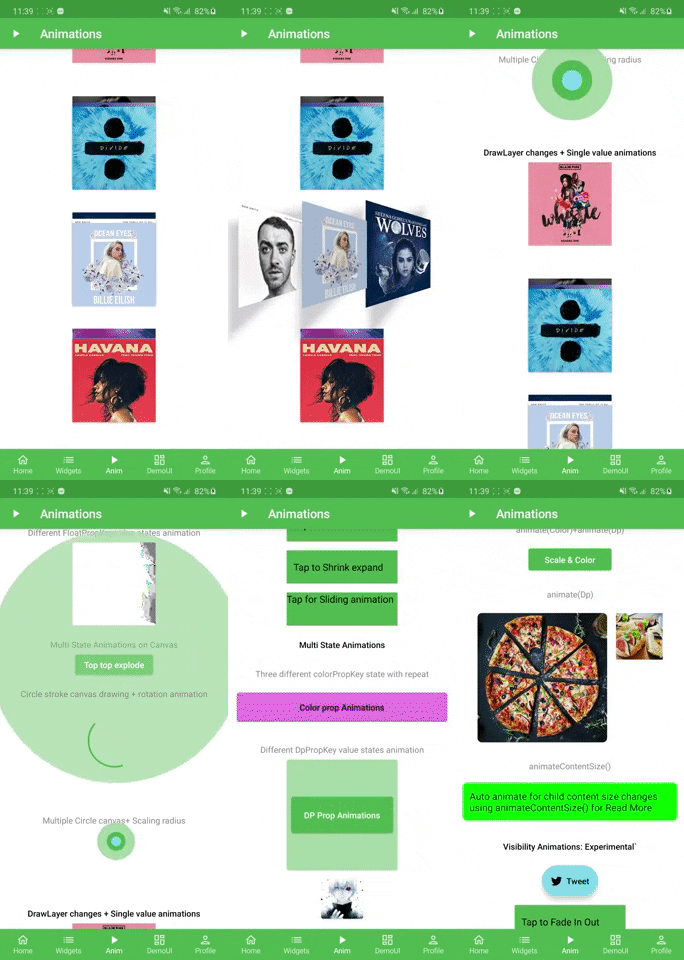
Screens
| List & Layouts | Widgets and building blocks | Animations | Theme |
|---|---|---|---|
 |
 |
 |
 |
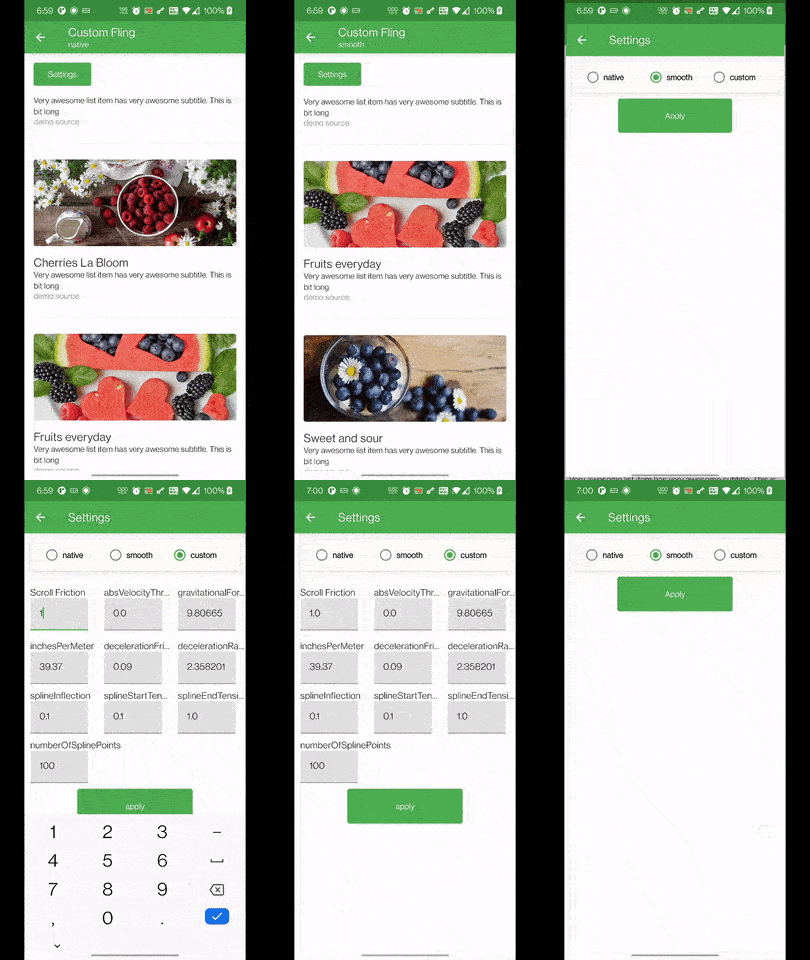
| Flinger |
|---|
 |
Demo UI
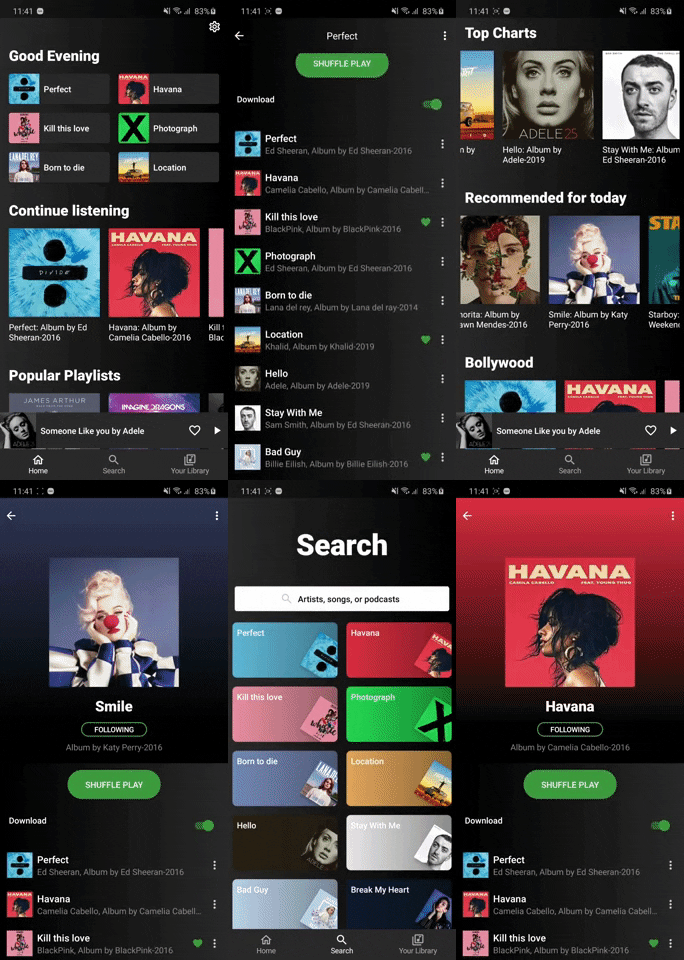
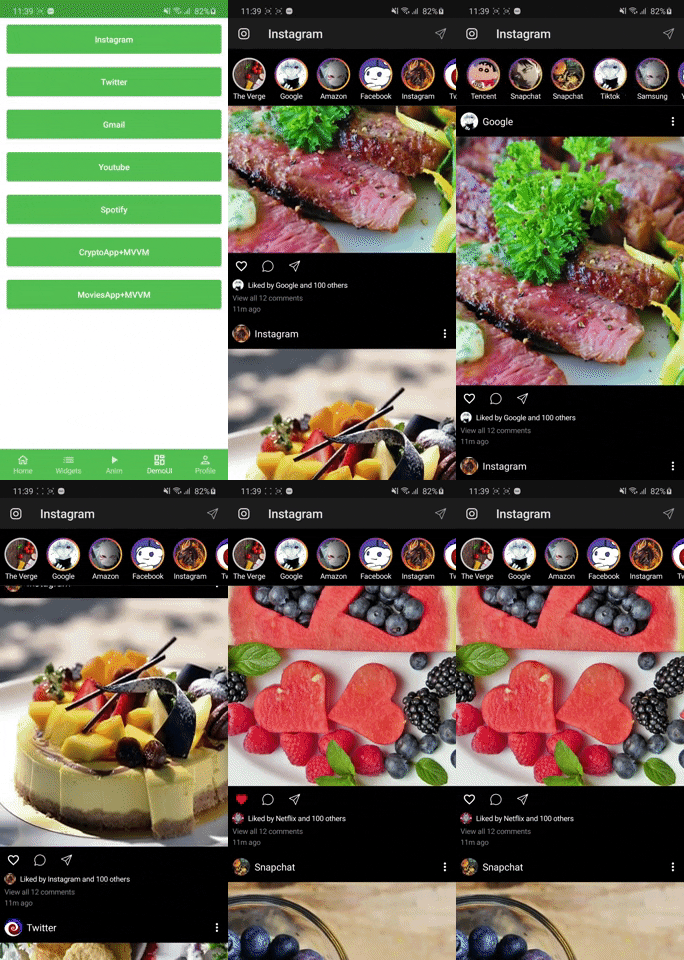
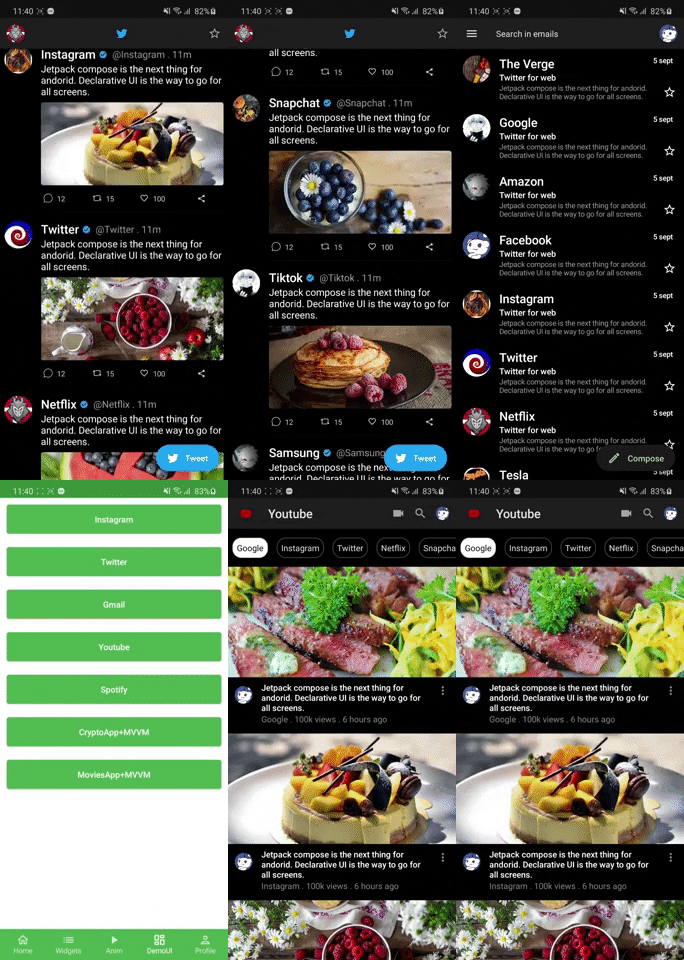
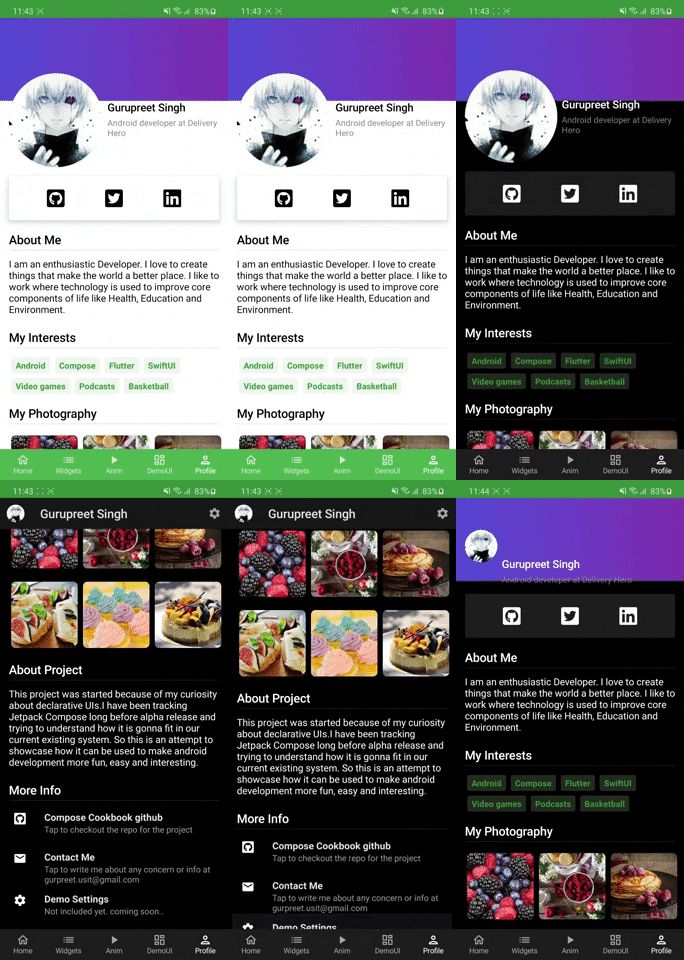
| Spotify | Instagram Demo | Twitter, Gmail, Youtube | Profile |
|---|---|---|---|
 |
 |
 |
 |
| Gmail full | Tiktok | Meditation |
|---|---|---|
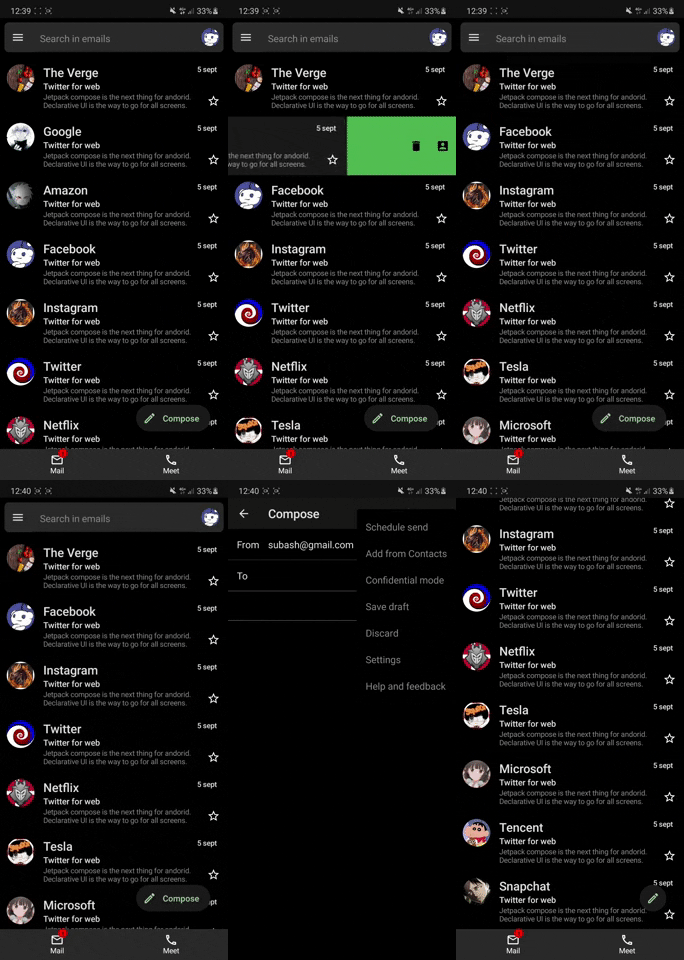 |
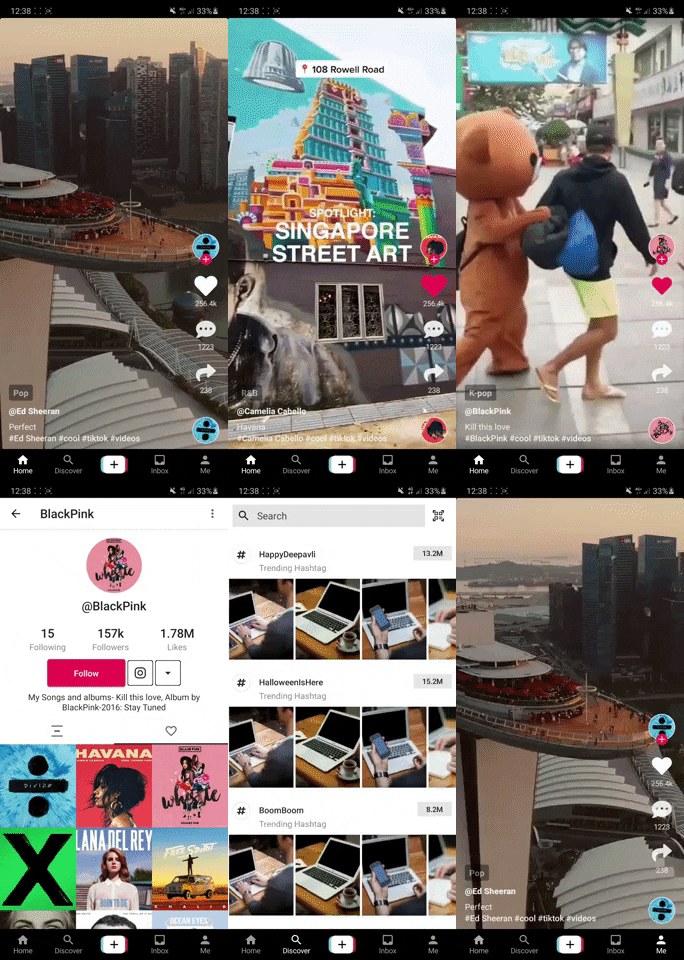 |
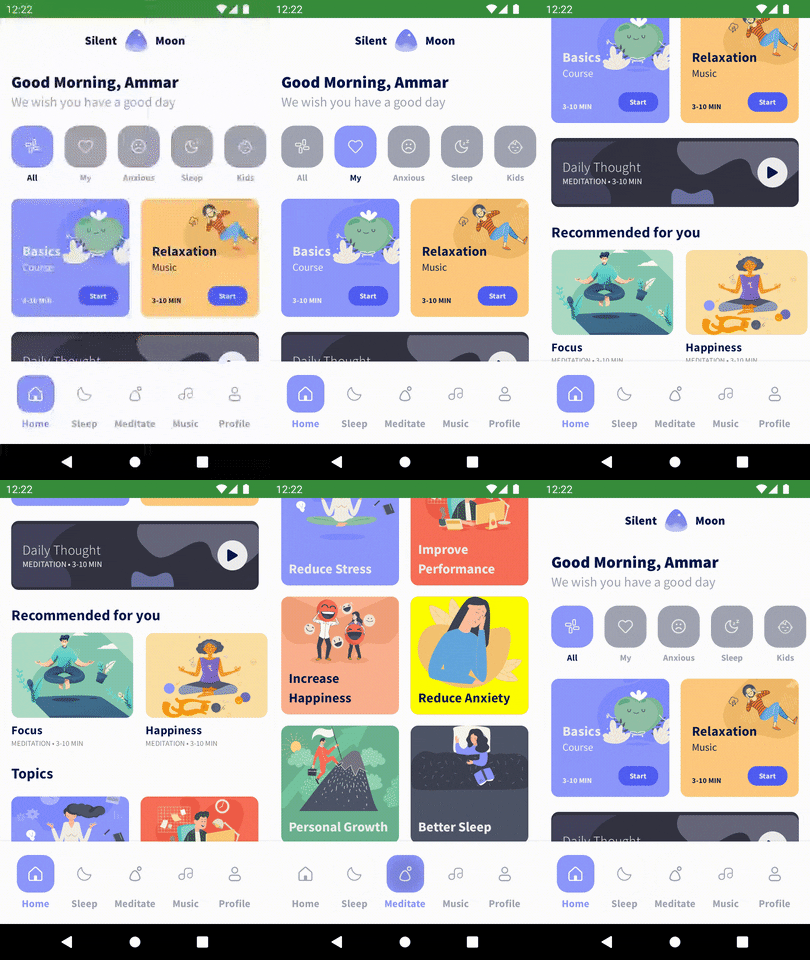 |
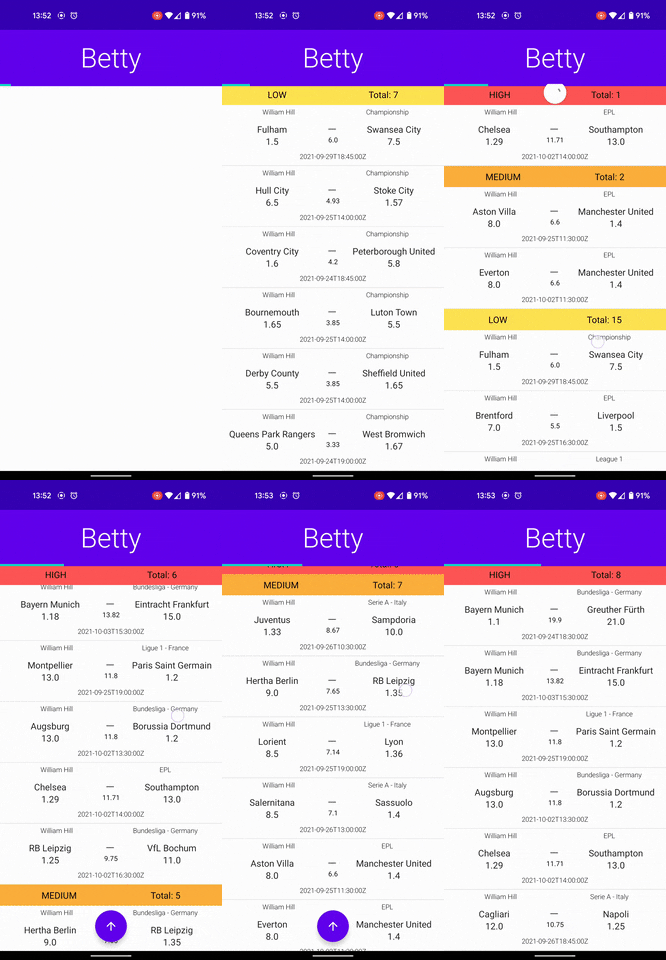
Apps with Api, Retrofit, Room, Flow, Livedata Integration
| CryptoApp MVVM | MovieApp MVI | Dating APP DEMO UI | Betty |
|---|---|---|---|
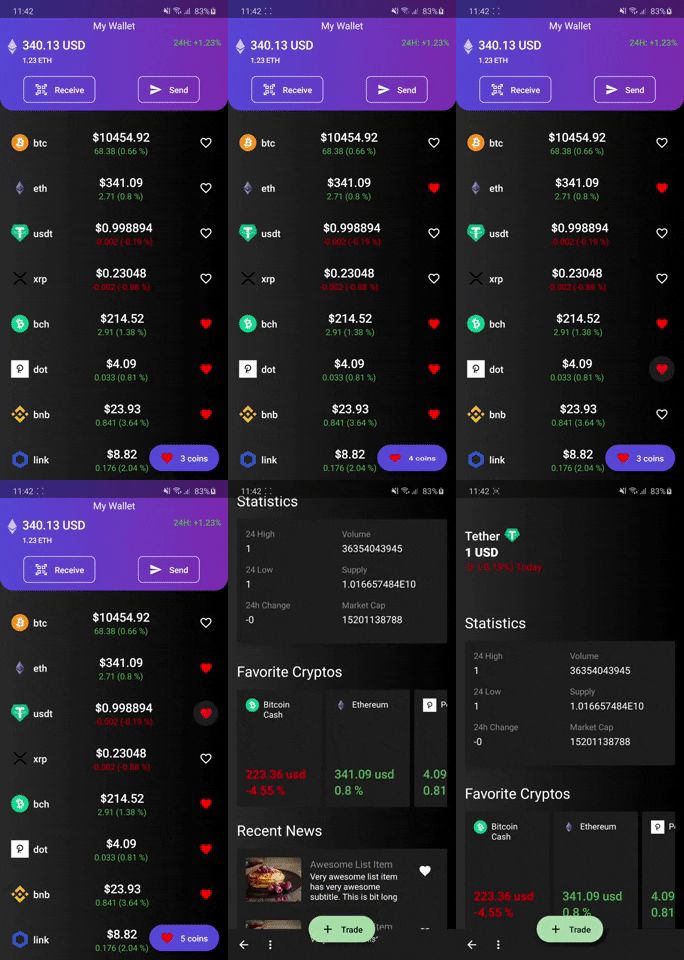 |
 |
 |
 |
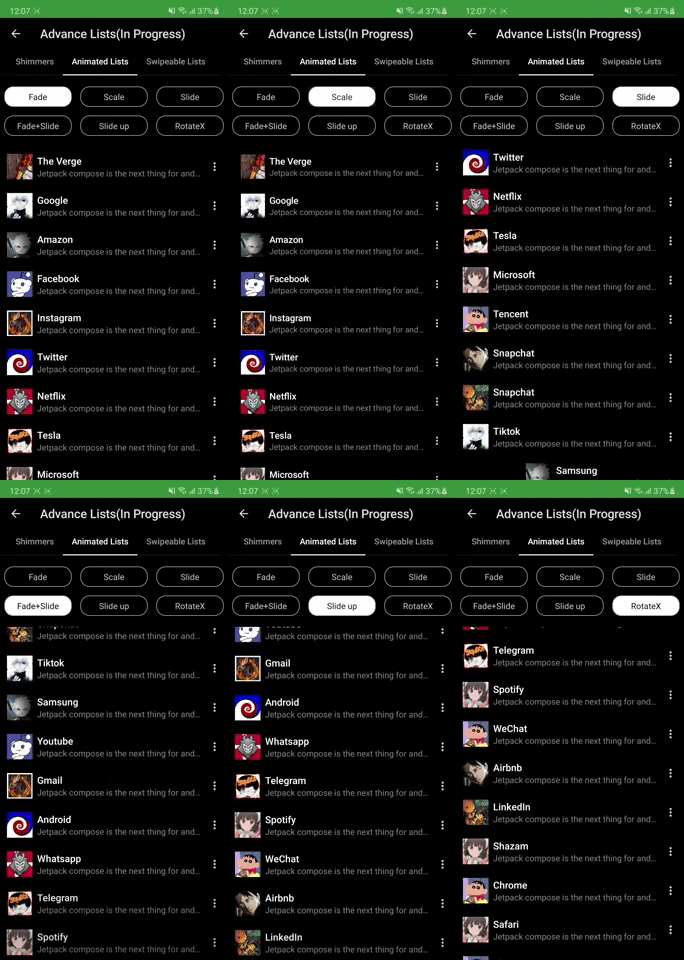
Advance lists and animations
| Shimmer Lists | List Scroll Animations |
|---|---|
 |
 |
Templates
| Adding card details | CaseCade Menu |
|---|---|
 |
 |
Kotlin DSL Templates
You can find them in buildSrc
- build.bradle
- dependency
- configurations
How to get started
Please get Android Studio Bumblebee latest Canary from here and use JDK 11 to build this project.
Features & Where to start
- Widgets: Widgets Screen show case all the available components to build UI.
- Home Screen: Start with Layouts, Modifiers and Simple Listviews
- Demo UI: Learn how demo UI have been made by using layouts, listviews and widgets.
- Animations: Animations are very interesting in compose. Checkout single value animations to get started.
- UI Tests: Checkout UI tests to understand how we can test compose UI.
- Others: After the above steps feel free to deep dive into Tablayouts, carousel, Dialogs and BottomSheets
Coming Soon
- Some of the features that will be available in coming weeks
- Advance lists: Pull Refresh, Swipe lists etc
- Clean Architecture Sample with coroutines.
- Advance canvas drawing. Much more in pipeline stay tuned!!
Official Documentations
Official Google Documentation
Contribution Info
- All the contributions are welcomed keeping following points in mind.
- If it's a widget/tool/UI element newly added please add to Widget Screen
- Any feature showcase like Collapsing AppBar, BottomSheets, Dialogs etc add in HomeScreen list
- Any Demo UI please add to Demo UI section
- Try not to add new Icons/Images unless must be needed.
- Please make sure whatever you add also supports dark mode as well. Thanks happy coding
Please Share & Star the repository to keep me motivated.
관련 저장소