2023년 1월2023년 8월2024년 3월2024년 10월2025년 5월2025년 12월2026년 7월
아티팩트npmnpm install react-native-raw-bottom-sheet
README
react-native-raw-bottom-sheet
Hooray! The new version 3 has been released.
Please pay close attention if you are upgrading the RBSheet from version 2 to version 3.
Functional Components: Starting from v3.0.0, RBSheet has been completely rewritten using Functional Components. This improves performance and aligns with modern React practices.
Prop Removal & Renaming: Several props have been removed and renamed for improved clarity and maintainability. Please refer to the updated documentation for a complete list of available props and their intended behavior.
Super Lightweight Component
Add Your Own Component To Bottom Sheet
Customize Whatever You Like
Support Drag Down Gesture
Support All Orientations
Support Both Android And iOS
Smooth Animation
Zero Configuration
Zero dependency
Millions of Downloads
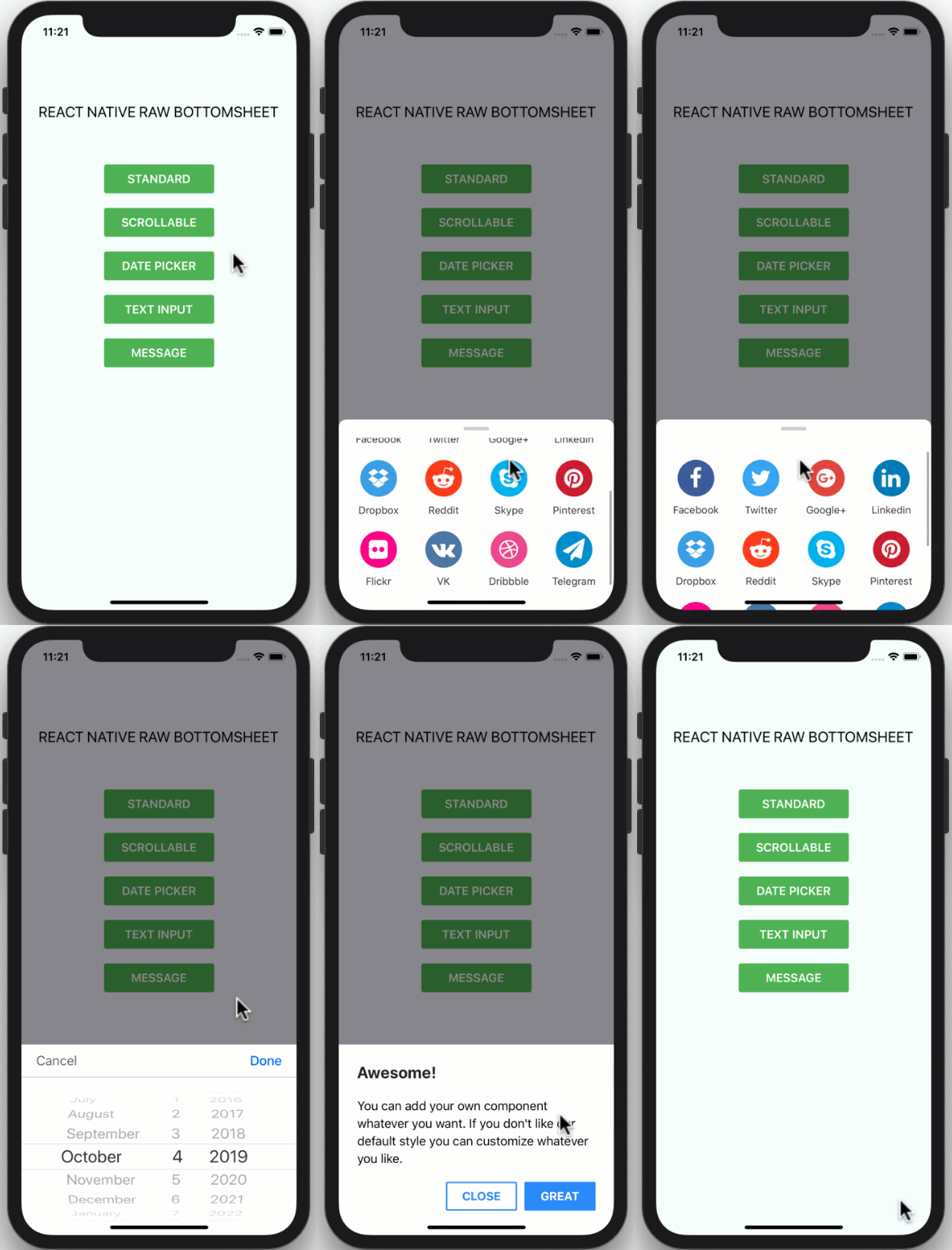
Showcase iOS
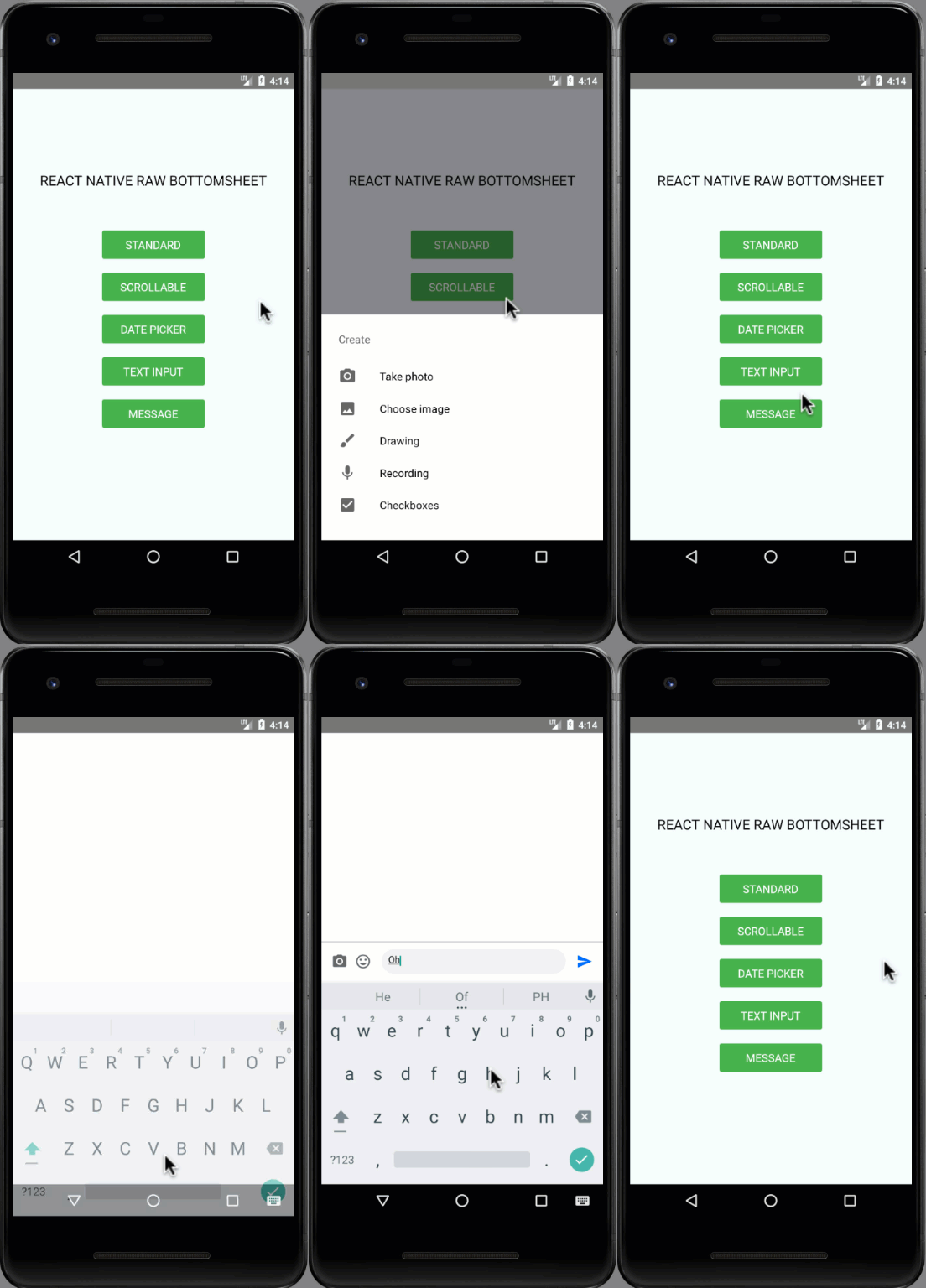
Showcase Android
Installation
npm i react-native-raw-bottom-sheet --save
or
yarn add react-native-raw-bottom-sheet
Example
Please check the example folder to explore more example codes.
Callback function that will be called after the bottom sheet has been opened.
null
onClose
function
Callback function that will be called after the bottom sheet has been closed.
null
Available Custom Style
customStyles: {
  wrapper: {...}, // The Root of component (Change the mask's background color here).
  container: {...}, // The Container of bottom sheet (The animated view that contains your component).
  draggableIcon: {...} // The style of Draggable Icon (If you set `draggable` to `true`).
}
Methods
Method Name
Description
Usage
open
The method to open bottom sheet.
refRBSheet.current.open()
close
The method to close bottom sheet.
refRBSheet.current.close()
CONTRIBUTING
I'm really glad you're reading this, because we need volunteer developers to help bring this project to life.
How to contribute:
Clone this repository
Open project, then run yarn to install devDependencies
Add your magic code for contribution
Test your code
Navigate to example folder
Run yarn & yarn start to run the example project
Test your code in example/App.js
Update README.md to update documentation (Optional)
Write unit testing in __tests__ folder (Optional)
Update index.d.ts to update typing (Optional)
Make a pull request, Genius!
License
This project is licensed under the MIT License - see the LICENSE.md file for details.