For Notion,OneNote,Bear,Yuque,Joplin。Clip anything to anywhere
chrome-extensionweb-clipperreadabilitynotionyuqueonenote
주요 지표
스타 성장
스타
6.9k
포크
658
주간 성장
+3
이슈
226
2k4k6k
2018년 10월2020년 2월2021년 6월2022년 10월2024년 2월2025년 6월2026년 10월
아티팩트npm
README
Web Clipper



You can use Web Clipper to save anything on the web to anywhere.
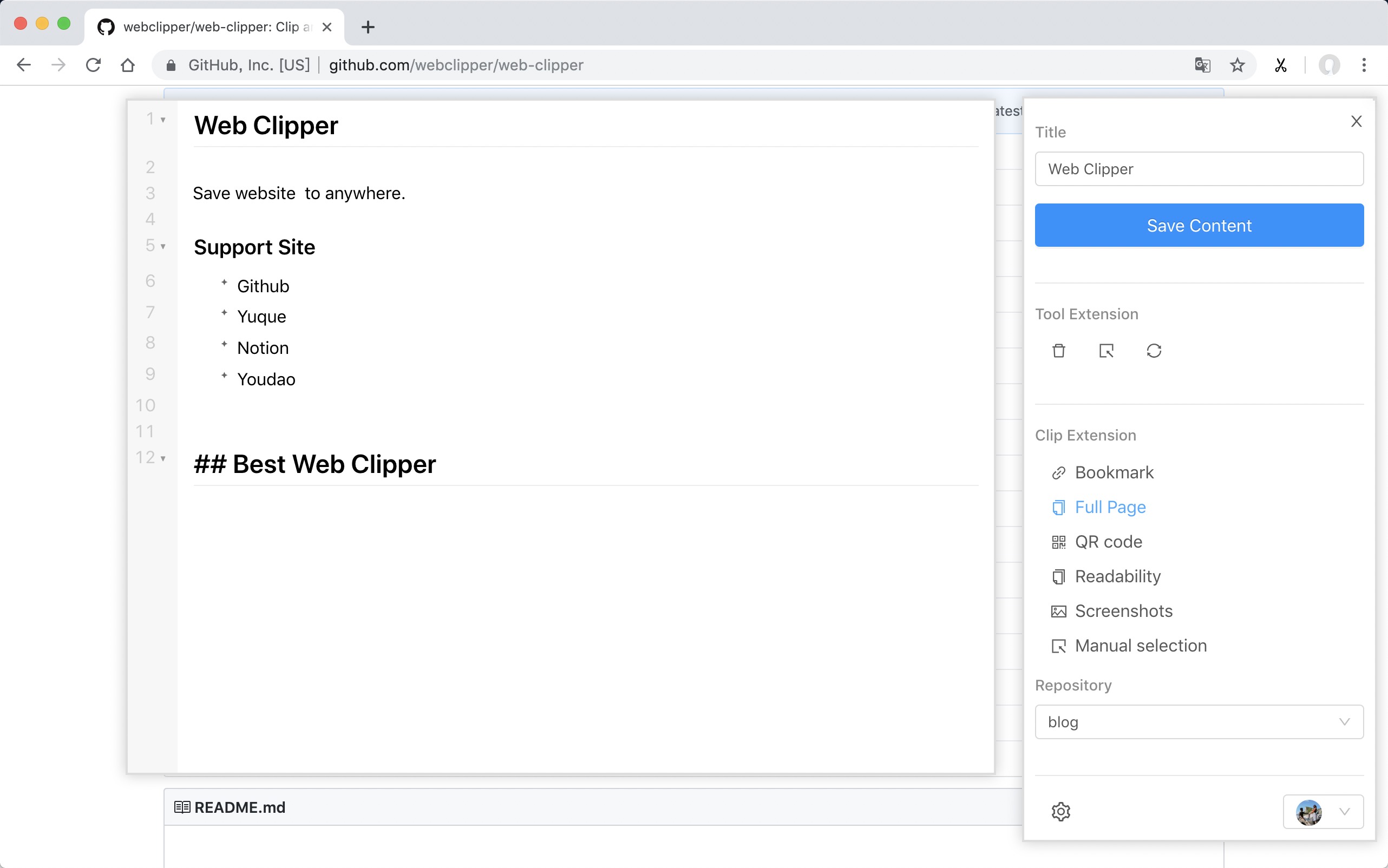
Support Site
- FlowUs
- Obsidian
- Github
- Yuque
- Buildin.AI
- Notion
- Youdao
- OneNote
- Bear
- Joplin
- Server Chan
- dida365
- baklib
- wolai
- Leanote
- Flomo
- Siyuan
- Ulysses
- Confluence
Install
ps: Because the review takes a week, the version will fall behind.
From Github
- Download the webclipper.zip from release page
- Go to chrome://extensions/ and check the box for Developer mode in the top right.
- Locate the ZIP file on your computer and unzip it.
- Go back to the chrome://extensions/ page and click the Load unpacked extension button and select the unzipped folder for your extension to install it.
Develop
$ git clone https://github.com/webclipper/web-clipper.git
$ cd web-clipper
$ npm i
$ npm run dev
You should load the 'dist/chrome' folder in Chrome.
You should load the 'dist/manifest.json' folder in Firefox.
Test
$ npm run test
Feedback
| Type | Link |
|---|---|
| Telegram | Link |