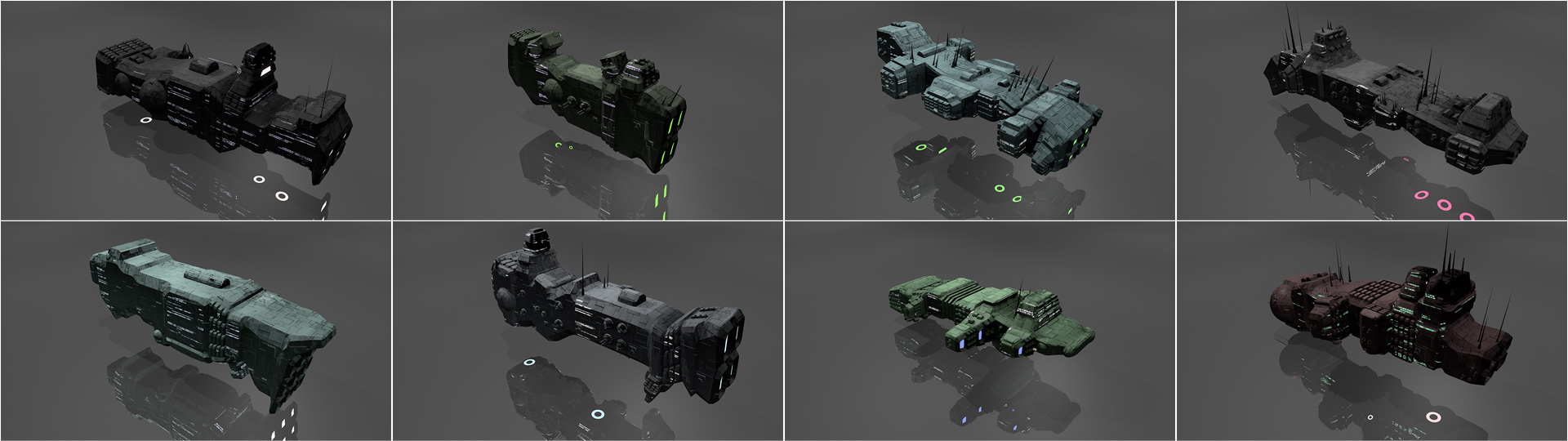
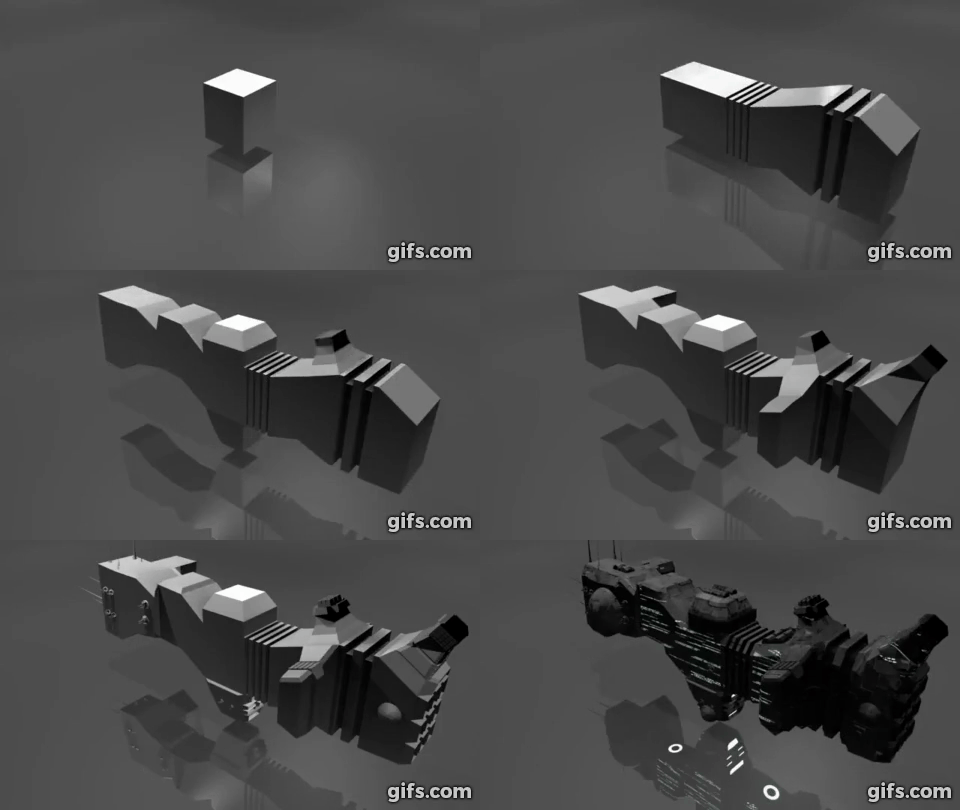
Build the hull: Extrude the front/rear faces several times, adding random translation/scaling/rotation along the way.
Add asymmetry to the hull: Pick random faces and extrude them out in a similar manner, reducing in scale each time.
Add detail to the hull: Categorize each face by its orientation and generate details on it such as engines, antenna, weapon turrets, lights etc.
Sometimes apply horizontal symmetry.
Add a Bevel modifier to angularize the shape a bit.
Apply materials to the final result.
Take over the universe with your new infinite fleet of spaceships.
Extreme examples
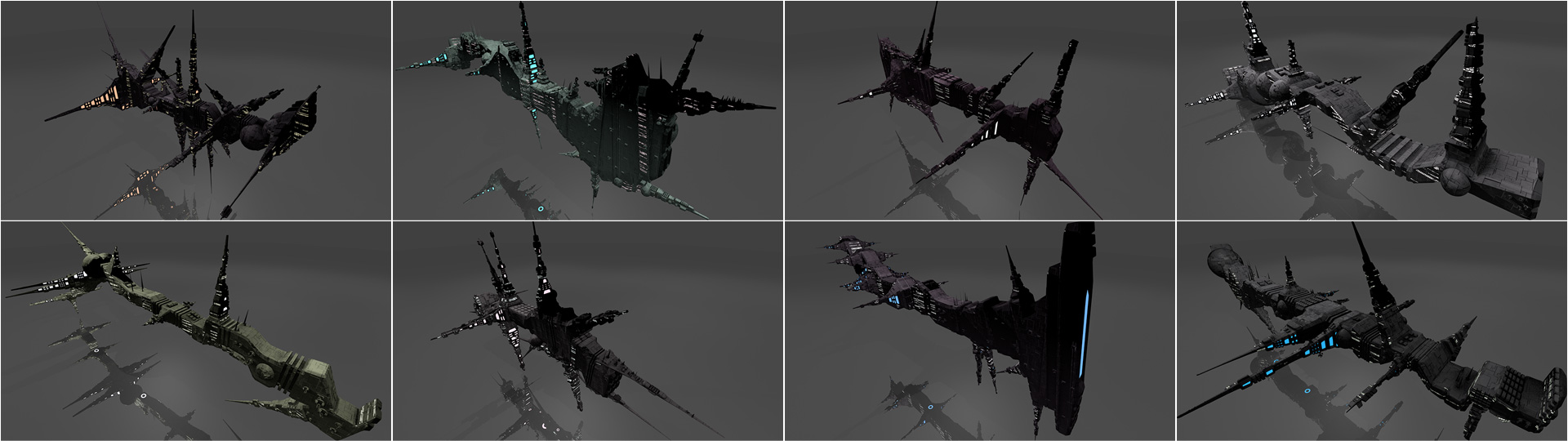
The following screenshots were created using extreme values for the number of hull segments and asymmetry segments to show how the algorithm works.
Tips and Tricks
By default the script will delete all objects starting with Spaceship before generating a new spaceship. To disable this feature, remove or comment out the call to reset_scene() around line 735 in the main function.
You can provide a seed to the generate_spaceship() function to always generate the same spaceship. For example, generate_spaceship('michael').
The generate_spaceship() function takes many more parameters that affect the generation process. Try playing with them!
You can replace the textures with your own ones. All textures are applied using global-space cube UVs. hull_normal.png is a normal map that adds extra surface "greebles". hull_lights_diffuse.png is an additive diffuse texture to set the color of the window lights. hull_lights_emit.png is an emissive texture to make the windows glow in darkness.