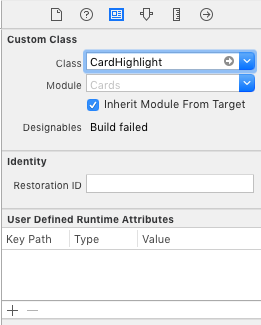
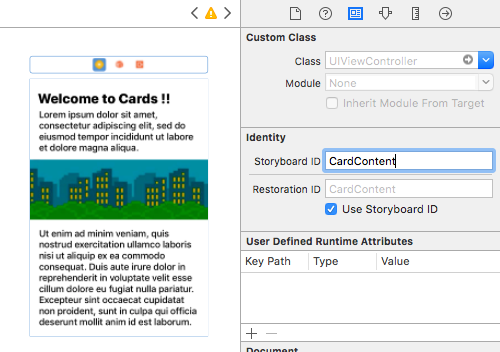
Open 'Compile Sources' and add all the files in the folder
Overview
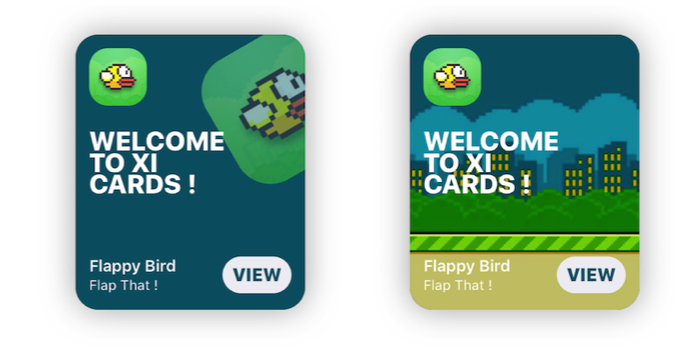
Customization
//Shadow settings
var shadowBlur: CGFloat
var shadowOpacity: Float
var shadowColor: UIColor
var backgroundImage: UIImage?
var backgroundColor: UIColor

var textColor: UIColor 	//Color used for the labels
var insets: CGFloat 	//Spacing between content and card borders
var cardRadius: CGFloat //Corner radius of the card
var icons: [UIImage]? 	//DataSource for CardGroupSliding
var blurEffect: UIBlurEffectStyle //Blur effect of CardGroup
Usage
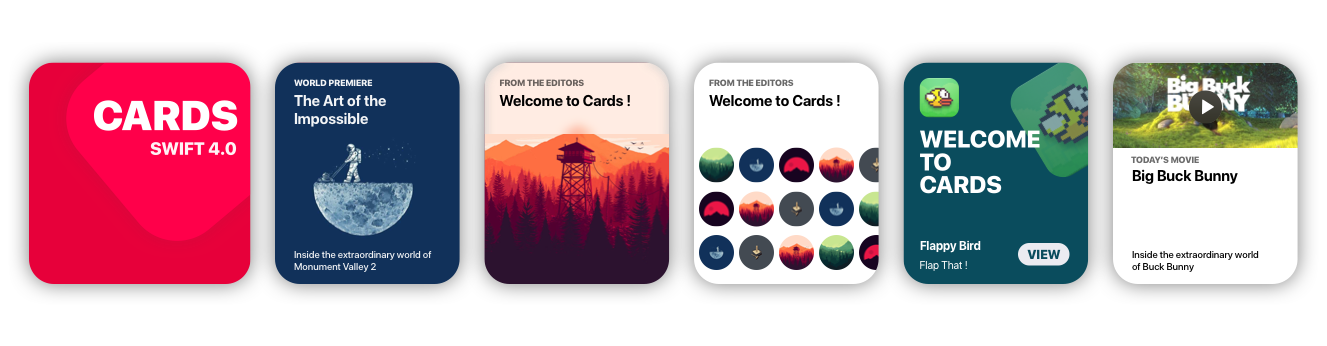
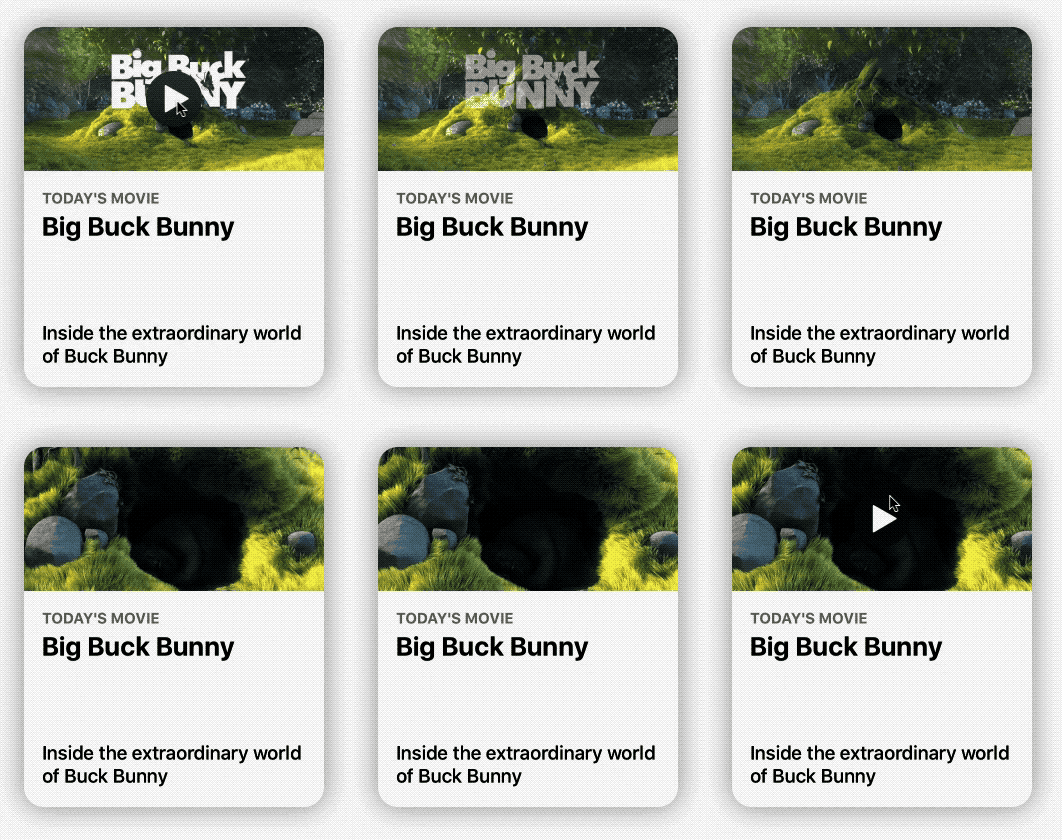
CardPlayer
let card = CardPlayer(frame: CGRect(x: 40, y: 50, width: 300 , height: 360))
card.textColor = UIColor.black
card.videoSource = URL(string: "http://clips.vorwaerts-gmbh.de/big_buck_bunny.mp4")
card.shouldDisplayPlayer(from: self)    //Required.

card.playerCover = UIImage(named: "mvBackground")!  // Shows while the player is loading
card.playImage = UIImage(named: "CardPlayerPlayIcon")!  // Play button icon

card.isAutoplayEnabled = true
card.shouldRestartVideoWhenPlaybackEnds = true

card.title = "Big Buck Bunny"
card.subtitle = "Inside the extraordinary world of Buck Bunny"
card.category = "today's movie"

view.addSubview(card)
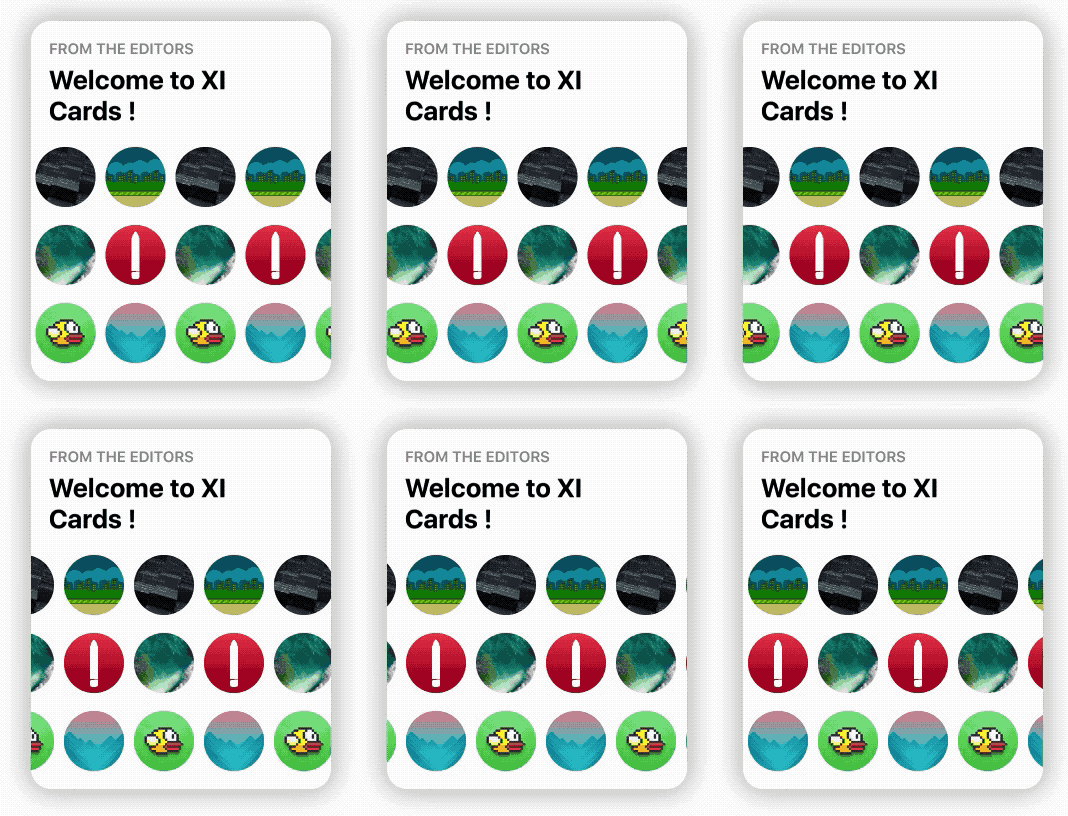
CardGroupSliding
    let icons: [UIImage] = [

        UIImage(named: "grBackground")!,
        UIImage(named: "background")!,
        UIImage(named: "flappy")!,
        UIImage(named: "flBackground")!,
        UIImage(named: "icon")!,
        UIImage(named: "mvBackground")!

    ]   // Data source for CardGroupSliding

    let card = CardGroupSliding(frame: CGRect(x: 40, y: 50, width: 300 , height: 360))
    card.textColor = UIColor.black

    card.icons = icons
    card.iconsSize = 60
    card.iconsRadius = 30

    card.title = "from the editors"
    card.subtitle = "Welcome to XI Cards !"

    view.addSubview(card)
Documentation
See the Wiki, to learn in depth infos about Cards. GO!
Issues & Feature requests
If you encounter any problems or have any trouble using Cards, feel free to open an issue. I'll answer you as soon as I see it.
New features, or improvements to the framework are welcome (open an issue).