OctoDash is a simple, but beautiful dashboard for OctoPrint.
npm install octodash





OctoDash is a simple, but beautiful dashboard for OctoPrint. Please read the instructions carefully!
OctoDash is a User Interface for OctoPrint, it utilizes the OctoPrint API but tries to use modern design principles in order to fully enable the power of your Raspberry Pi attached to your 3D Printer. OctoDash works best with a Touchscreen and will support almost all functions that OctoPrint offers just in a nicer format. Give it a try!
Table of Contents
- Table of Contents
- Requirements
- Installation
- Update
- Tips and Tricks
- Demo
- Screenshots
- Get in contact
- Troubleshooting
- Bugs and more
- Contributing
- License
Requirements
- OctoPrint 1.9.0 or higher
- A Debian-based Linux installation
- OctoPi recommended
- OctoDash may be installed on the same device OctoPrint is running from
- A 16:9, 16:10 or 4:3 screen in landscape orientation
- Touchscreen recommended
Installation
bash <(wget -qO- https://github.com/UnchartedBull/OctoDash/raw/main/scripts/install.sh)
Execute this command as the user that logs in on the display (usually pi) and not as root or with sudo. For more options and information have a look at the wiki.
No Keyboard? No Problem.
Having issues during the installation? Please have a look at the Troubleshooting Guide first.
Update
Updates can be made through the OctoDash UI, by clicking Settings > About > Install [CurrentVersion]!
Updates can also be made via the command line:
bash <(wget -qO- https://github.com/UnchartedBull/OctoDash/raw/main/scripts/update.sh)
Tips and Tricks
- OctoDash supports printing from your Raspberry and from the printers SD card, if configured in OctoPrint (v1.5.0 and up)
- You can let OctoDash push out and pull in the filament during a filament change, if you setup your feed length correctly (v1.5.0 and up)
- You can also use your printers filament change progress, just enable this in the settings (the printer needs to support M600)
- If you're using FilamentManager add the color (in HEX format) to the end of the name, like "Vendor black (#000000)", this color will then be shown in the filament selection menu
- You can adjust the look of OctoDash by adjusting the
~/.config/octodash/custom-styles.cssfile and adding your own CSS rules (v2.0.0 and up) - OctoDash supports .ufp package and PrusaSlicer preview images (v1.5.0 and up)
- To get the best results, you should use a square aspect ration, like
256x256
- To get the best results, you should use a square aspect ration, like
- You can also show the thumbnails during print, if you press on the percentage inside the progress ring (v1.5.0 and up)
- You can press multiple arrows directly after another in the control view. All actions will be executed in series, even if the prior didn't finish
- The six actions on the right in the control view can be customized. They can either send GCode commands to your printer, restart OctoPrint or your Pi and even open iFrames so you can view your camera
- You can adjust the temperatures and fan speed in the home screen by pressing on their icons, if you want to set them to zero, just tap the value once (v1.4.1 and up)
- OctoDash will start in your host's language if it is supported. You can start OctoDash in a different supported language by starting it with
LANG=fr_FR.UTF-8 octodash. Currently supported languages are:fr_FR.UTF-8, english will be used if your requested language isn't available
Demo
If you want to see OctoDash in action, here is an awesome video from Nick on YouTube there is also a video available from Chris Riley, which also shows the installation process on YouTube
Screenshots
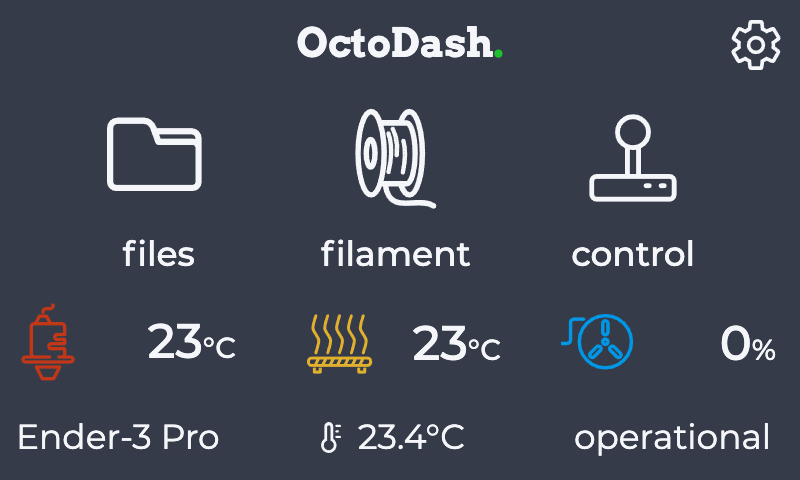
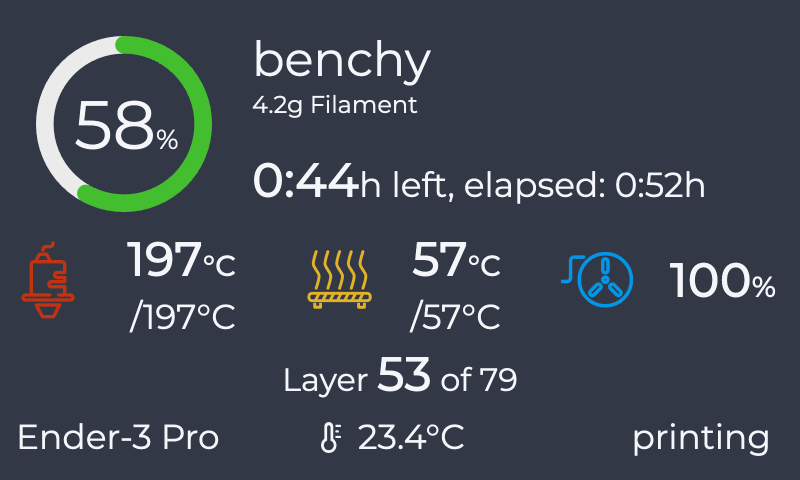
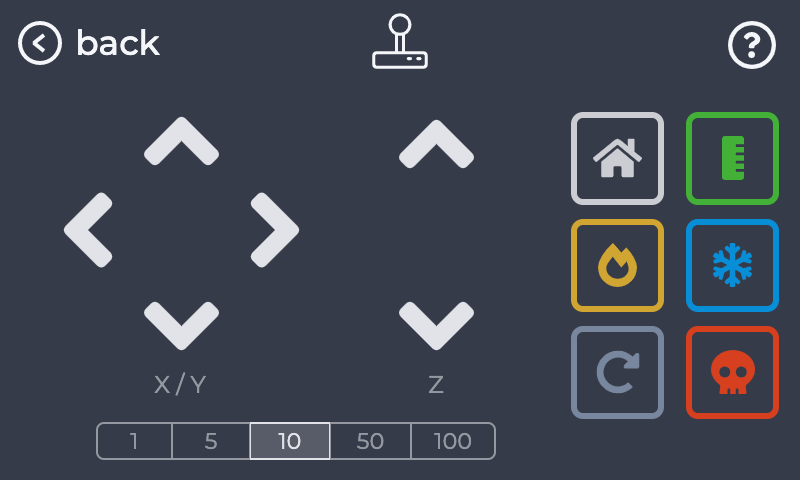
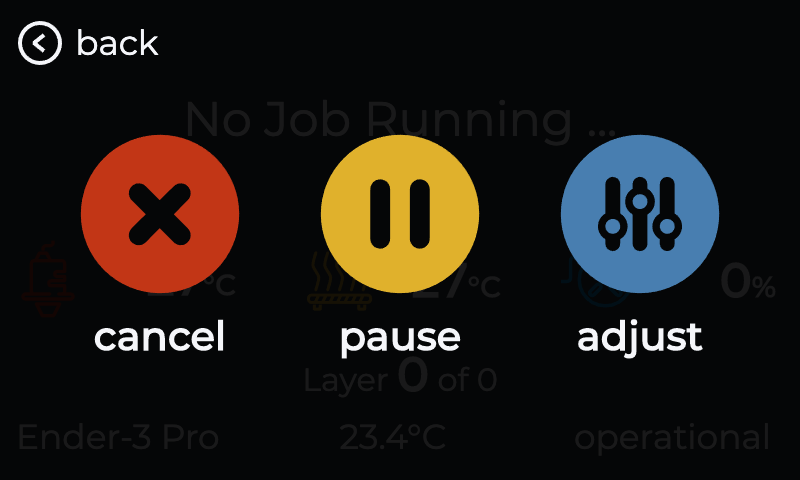
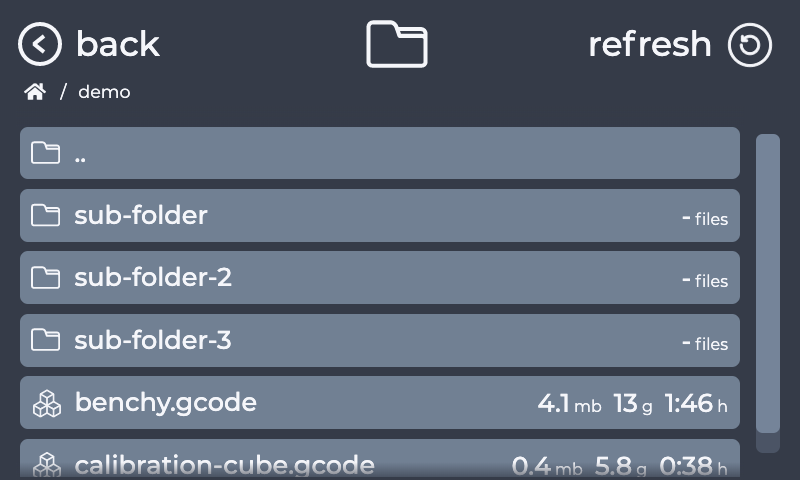
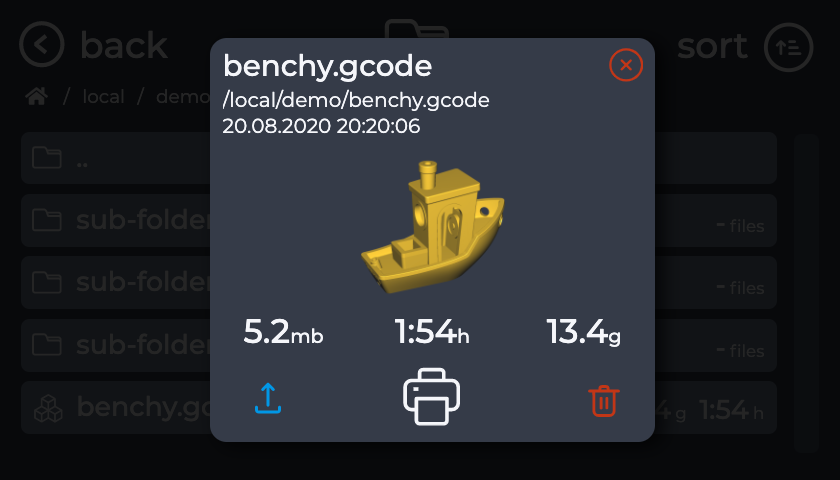
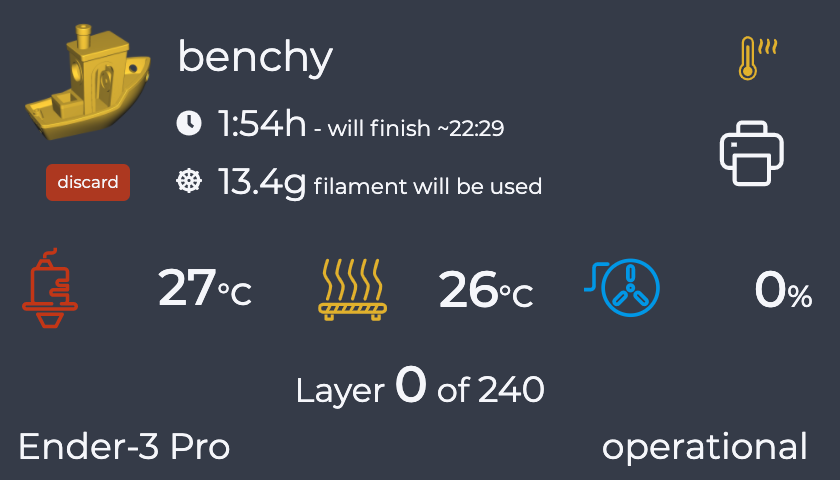
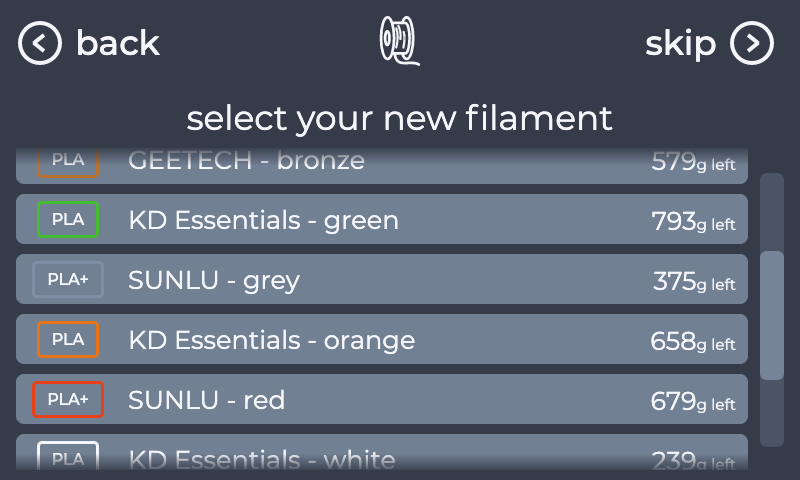
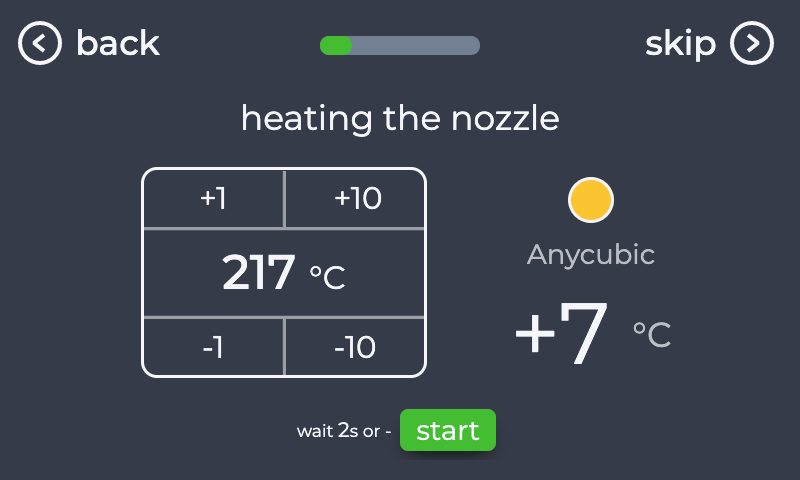
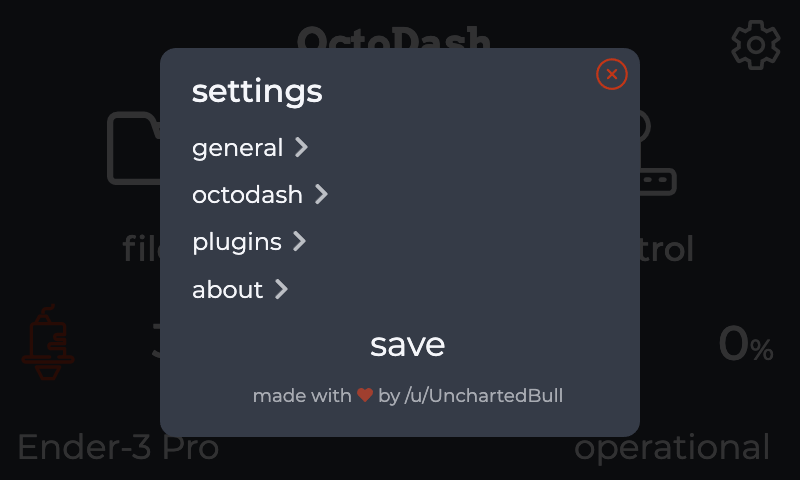
More Screenshots can be found here.
Get in contact
We now have a Discord server as well. Feel free to join and ask your support & development questions over there: https://discord.gg/gTasZTz.
Troubleshooting
If you encounter an issue, while using OctoDash please have a look at the wiki first! If your issue is not covered please open an issue!
Bugs and more
If you find a bug, please open an issue, so I can have a look at it. Please also add the steps to reproduce and the .gcode file (if applicable). Thank you!
Contributing
See CONTRIBUTING.md.
License
The project is licensed under the Apache 2.0 License. More Information.